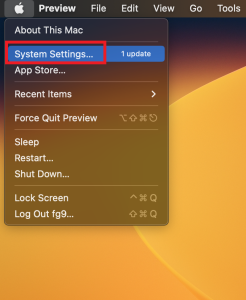
- Go to System Preferences on your Mac.
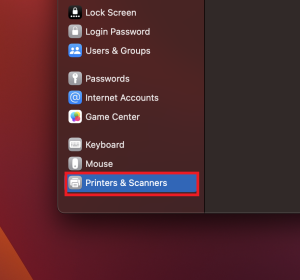
2. Go down to the Printer and Scanners section and select it.
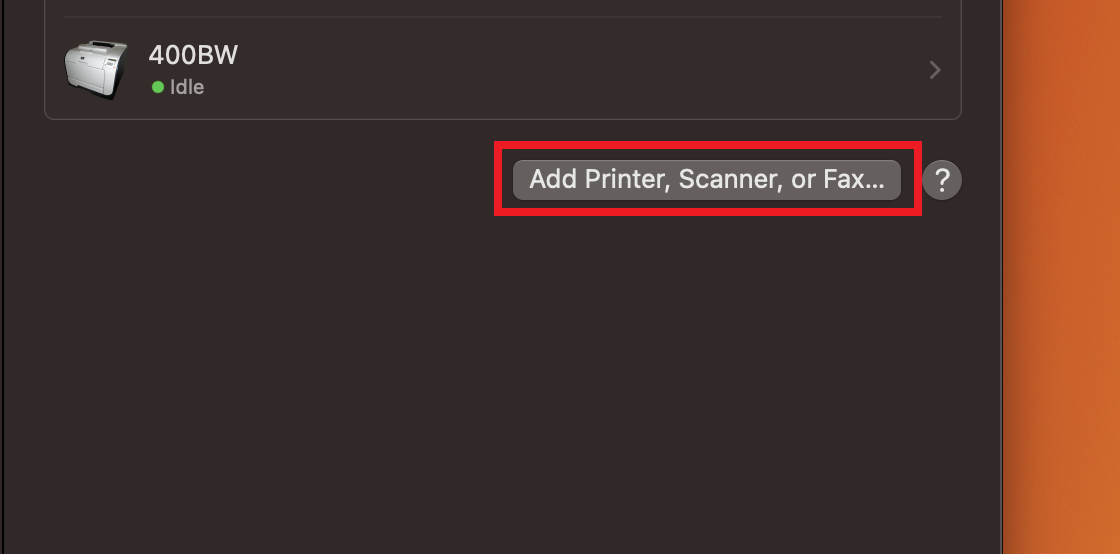
3. Click on the Add Printer, Scanner, or Fax..
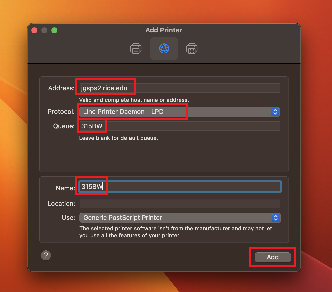
4. Go to the IP section on top and enter "jgsps2.rice.edu" on the Address line. Select the Line Printer Daemone - LPD Protocol and enter the printer Queue Name as show below. Click on Add.
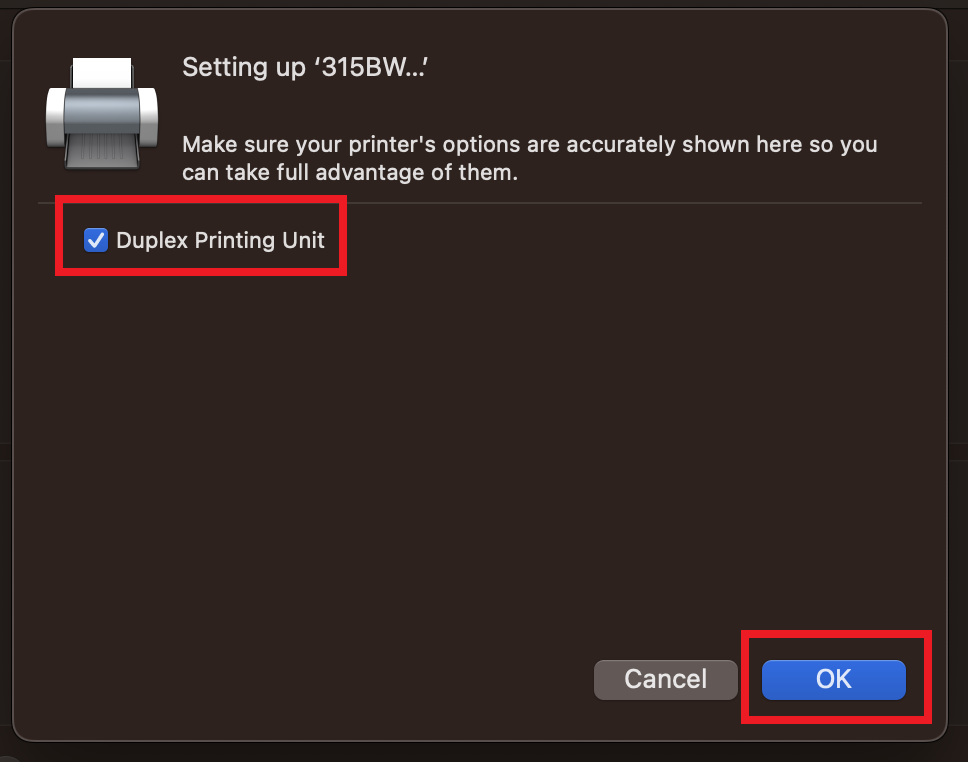
5. Make sure you enable the Duplex Priting Unit option and click Ok.
6. Once you finish, you will see printer 315BW has been added.
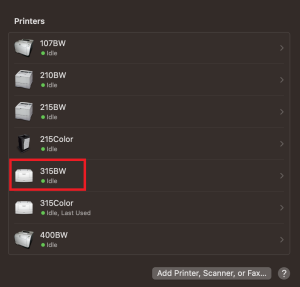
7. Continue with all of the rest of the printers shown above to add all of them.