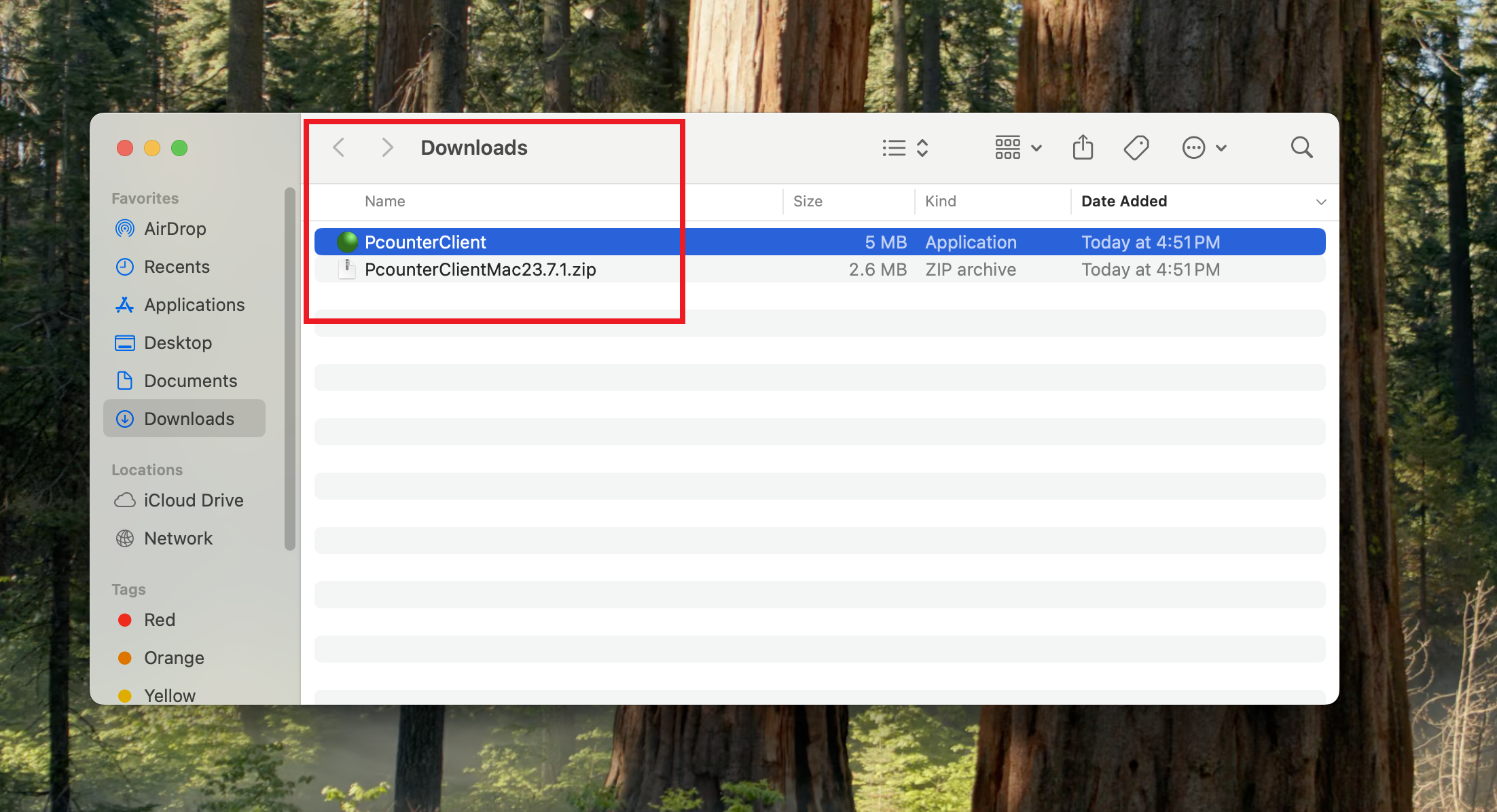
1. click Click here to start downloading the downloadPcounter client.
2. You will see this page on the web browser and click Download.

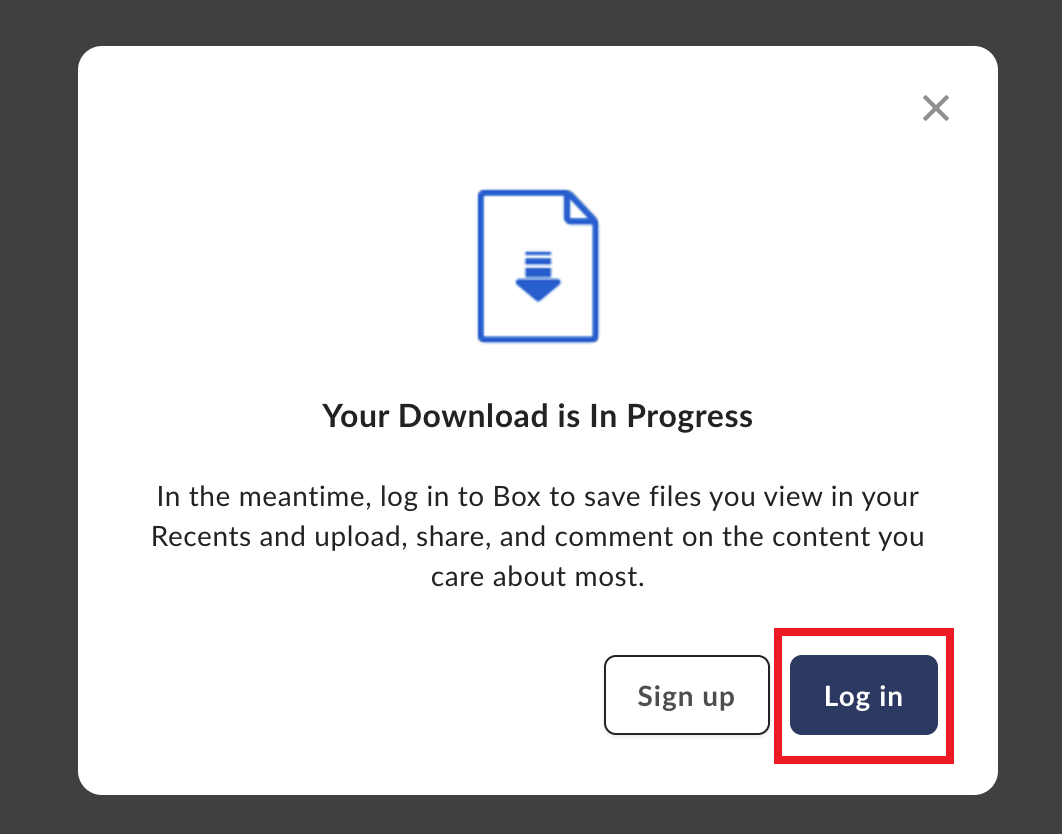
3. Click on the Login in option to login to Rice Box and get the Pcounter client.
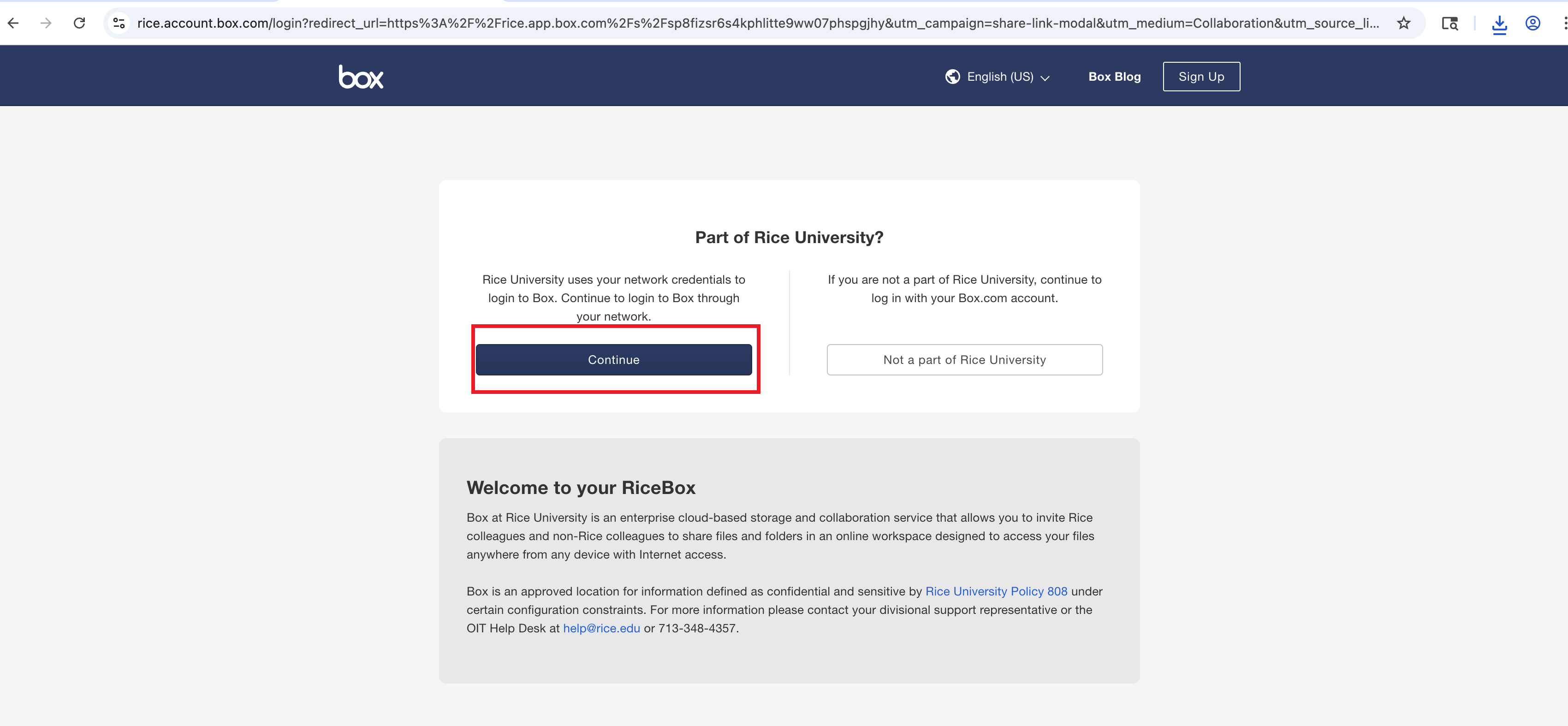
4. Click Continue to proceed to login to Rice Box and get the Pcounter Client.
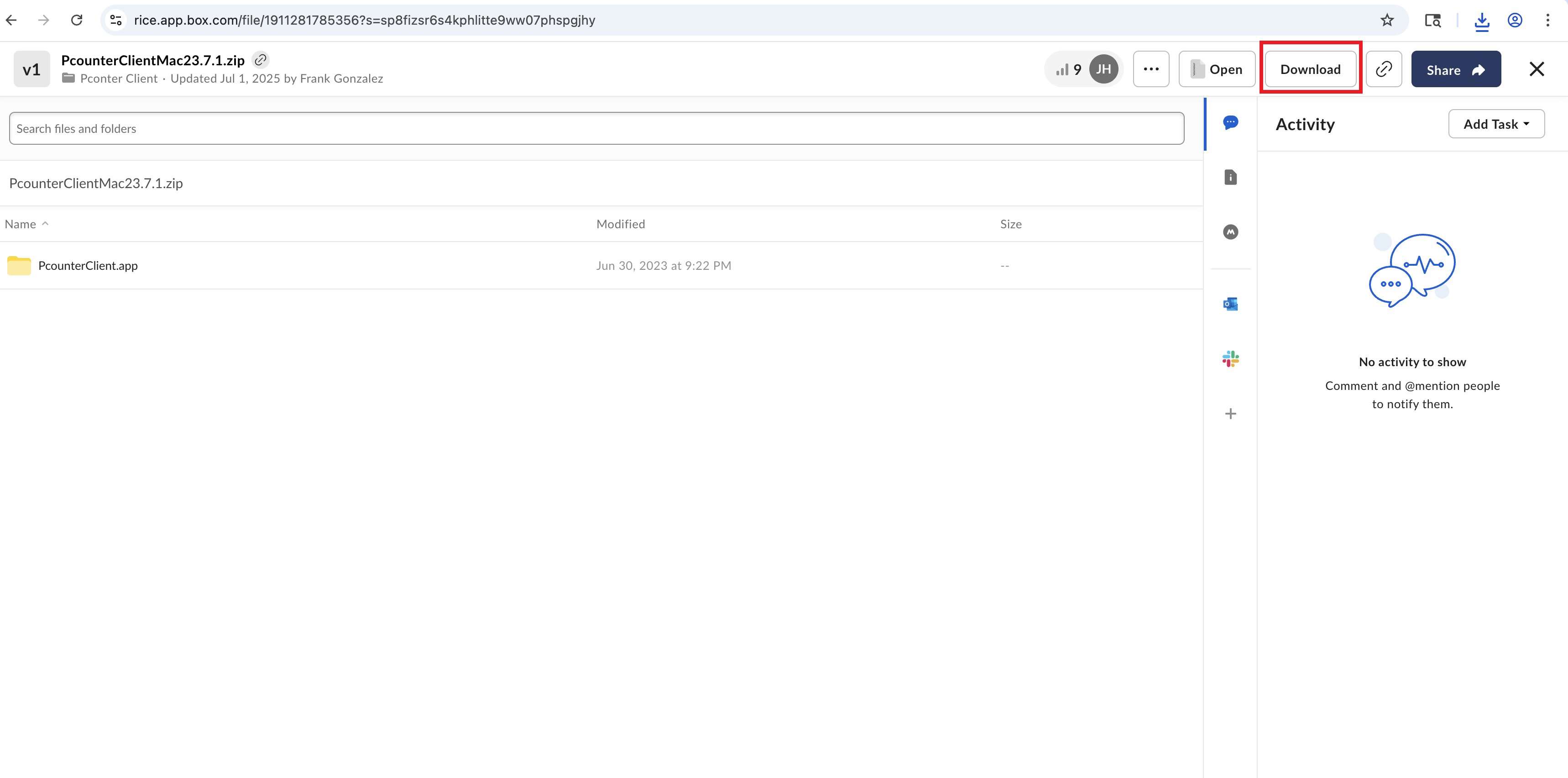
5. You will see this page and click on the Download option on top.
6. Click allow on this option to Allow the downlaod.
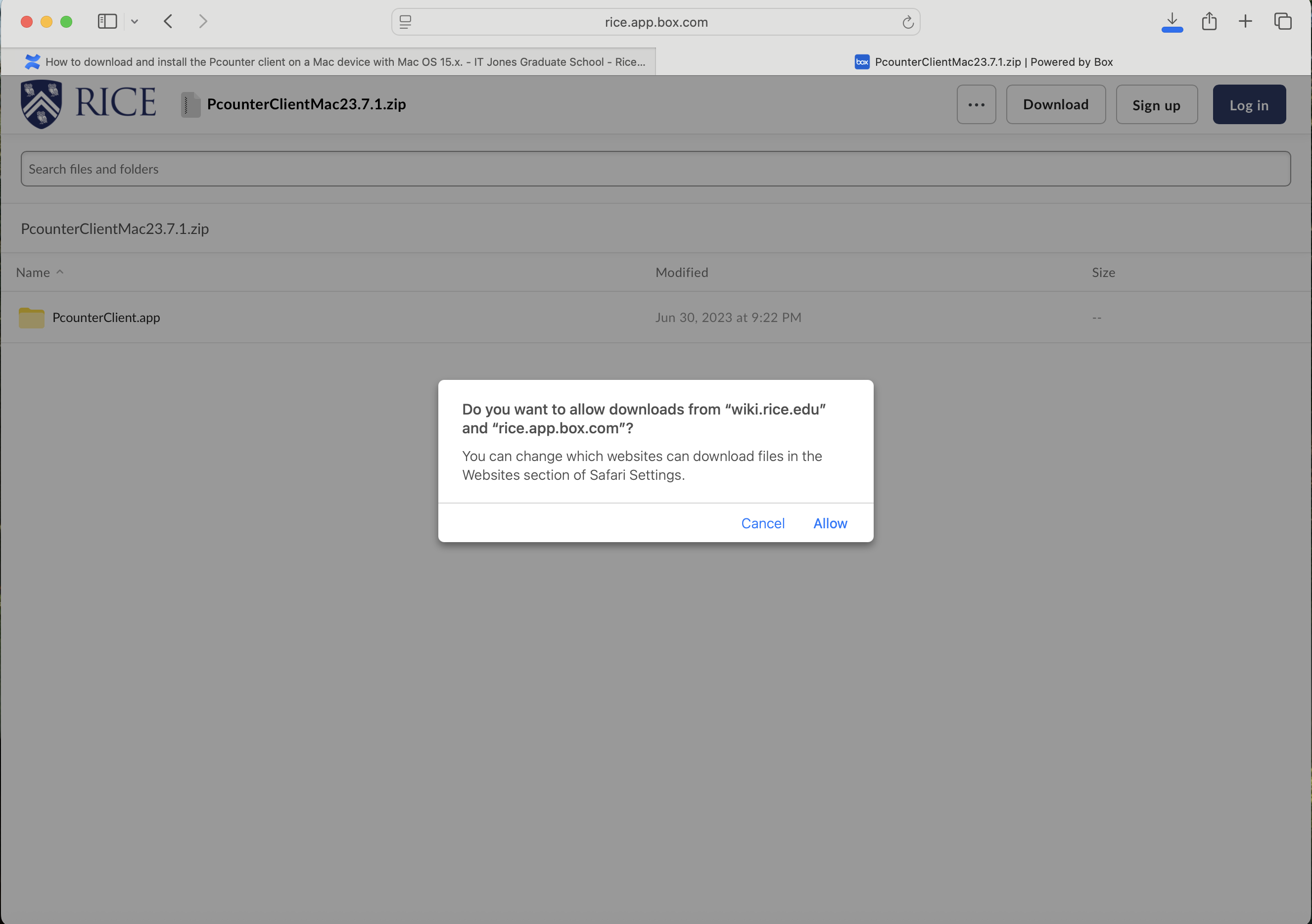
7. Click on the PcounterClientMac 23.7.1 to download.
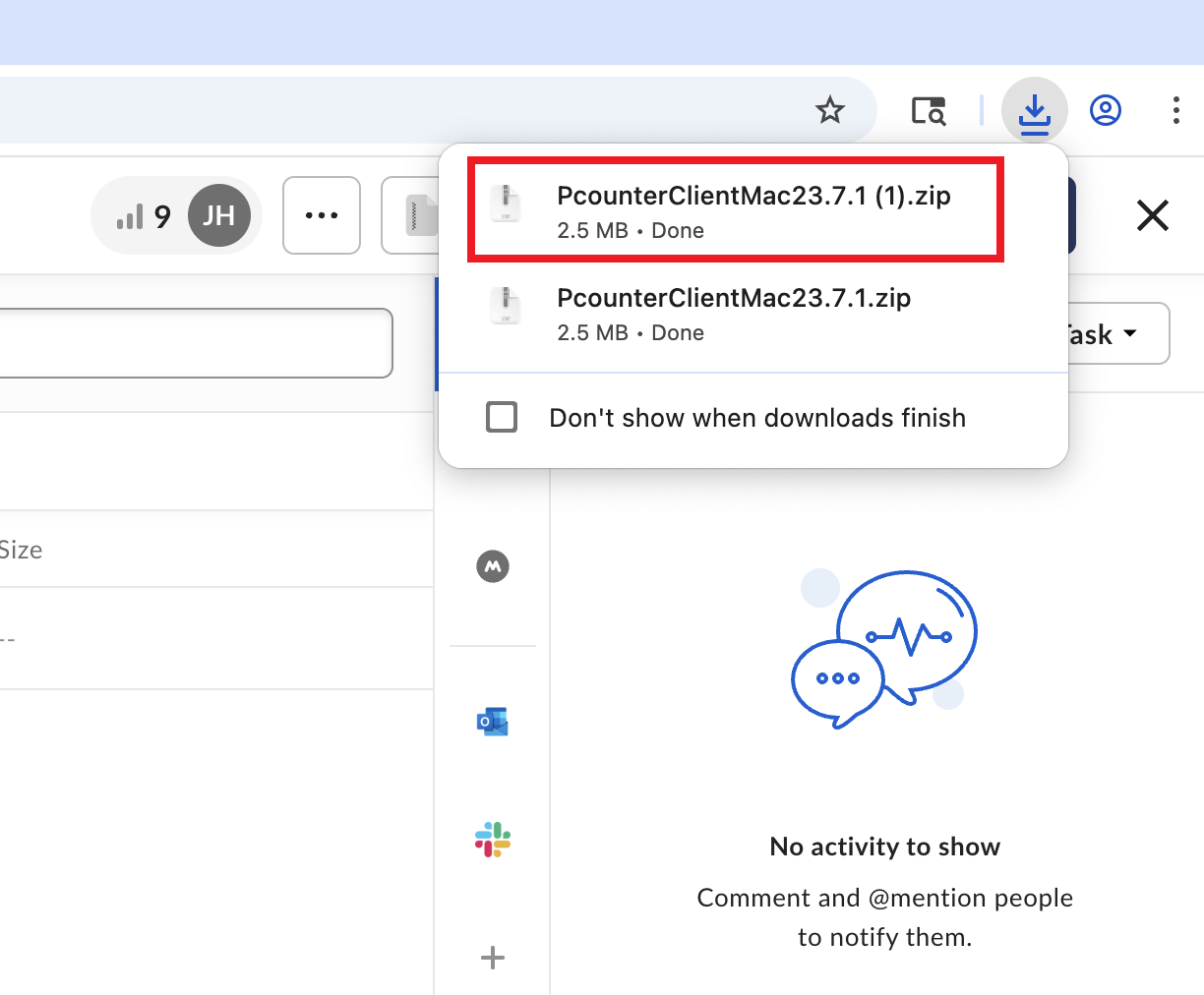
8. You will see the Pcounter client in the Download folder on your Mac.