...
2. You will see this page on the web browser and click Download.

3. Click on the "Login in " option to login log in to Rice Box and get the Pcounter client.
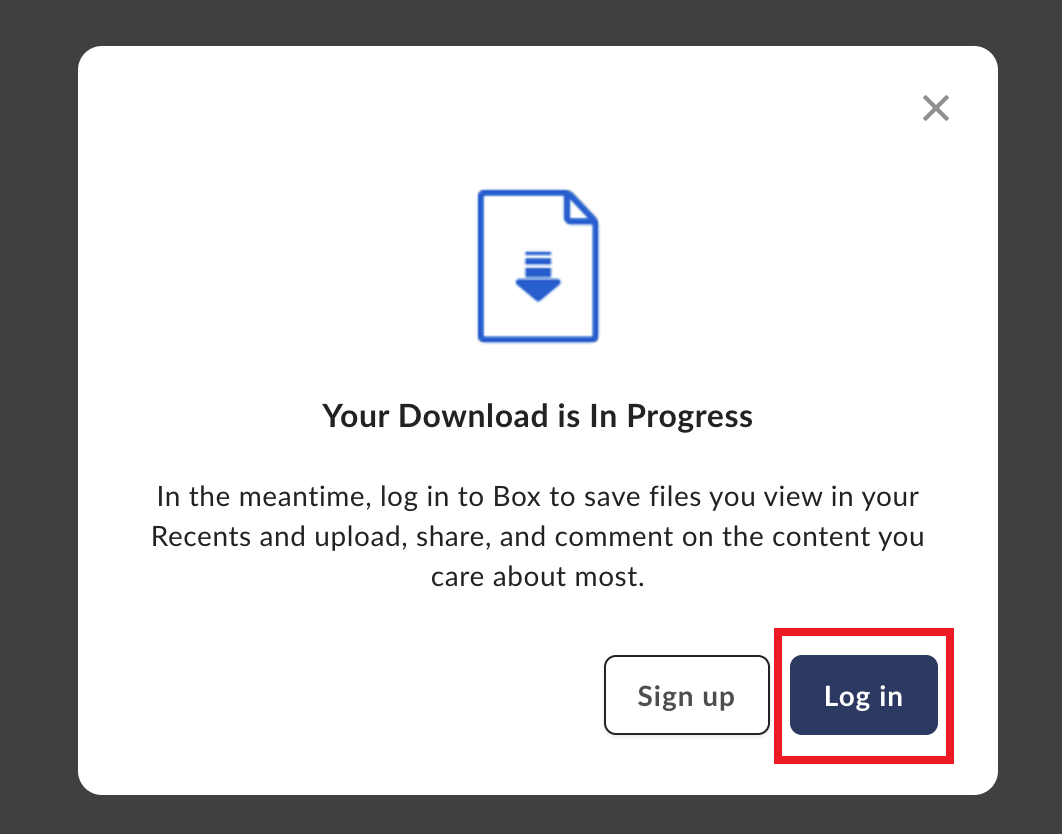
4. Click "Continue" to proceed to login to Rice Box and get the Pcounter Client.
...
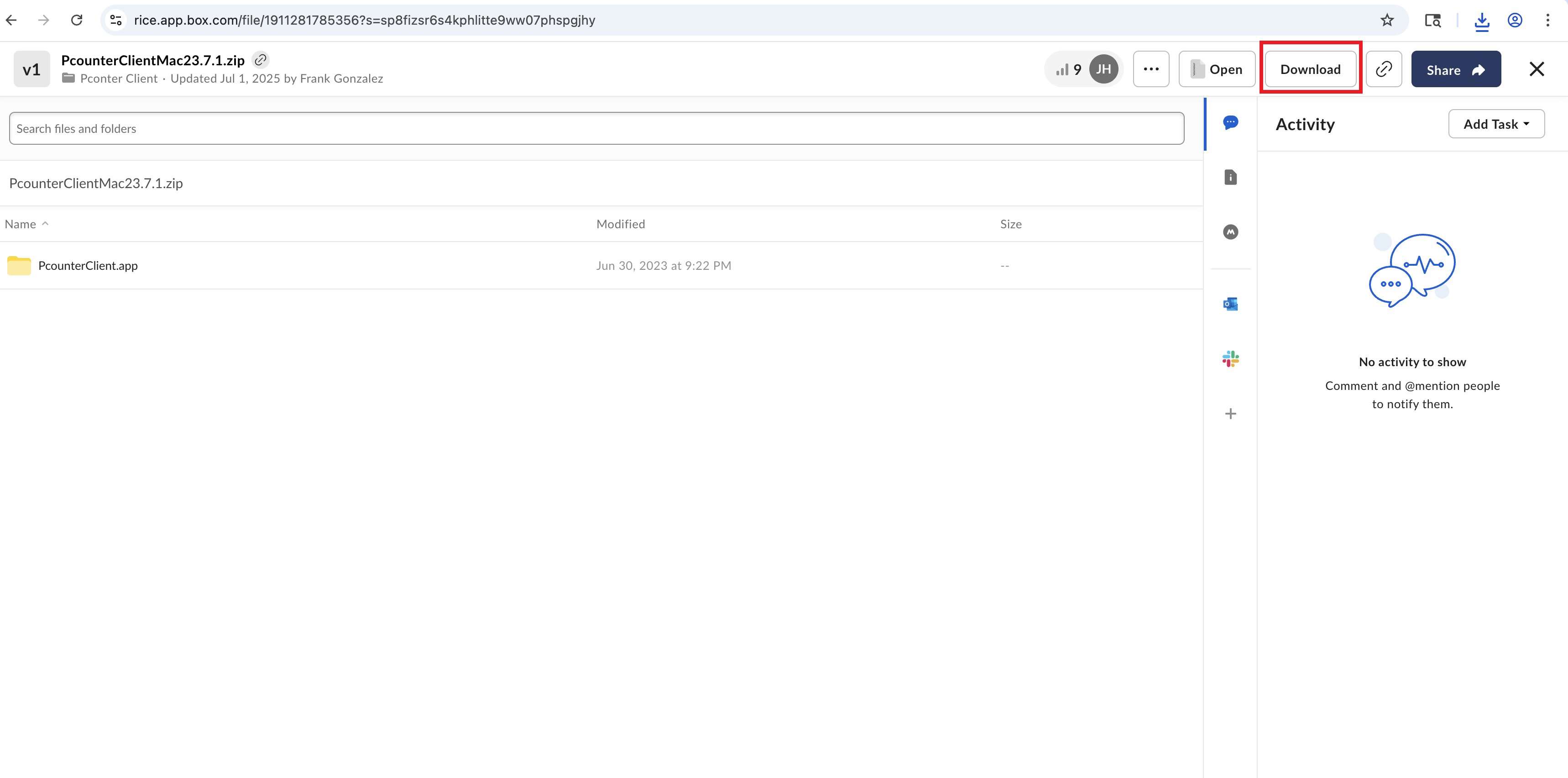
5. You will see this page and click on the Download option on top.
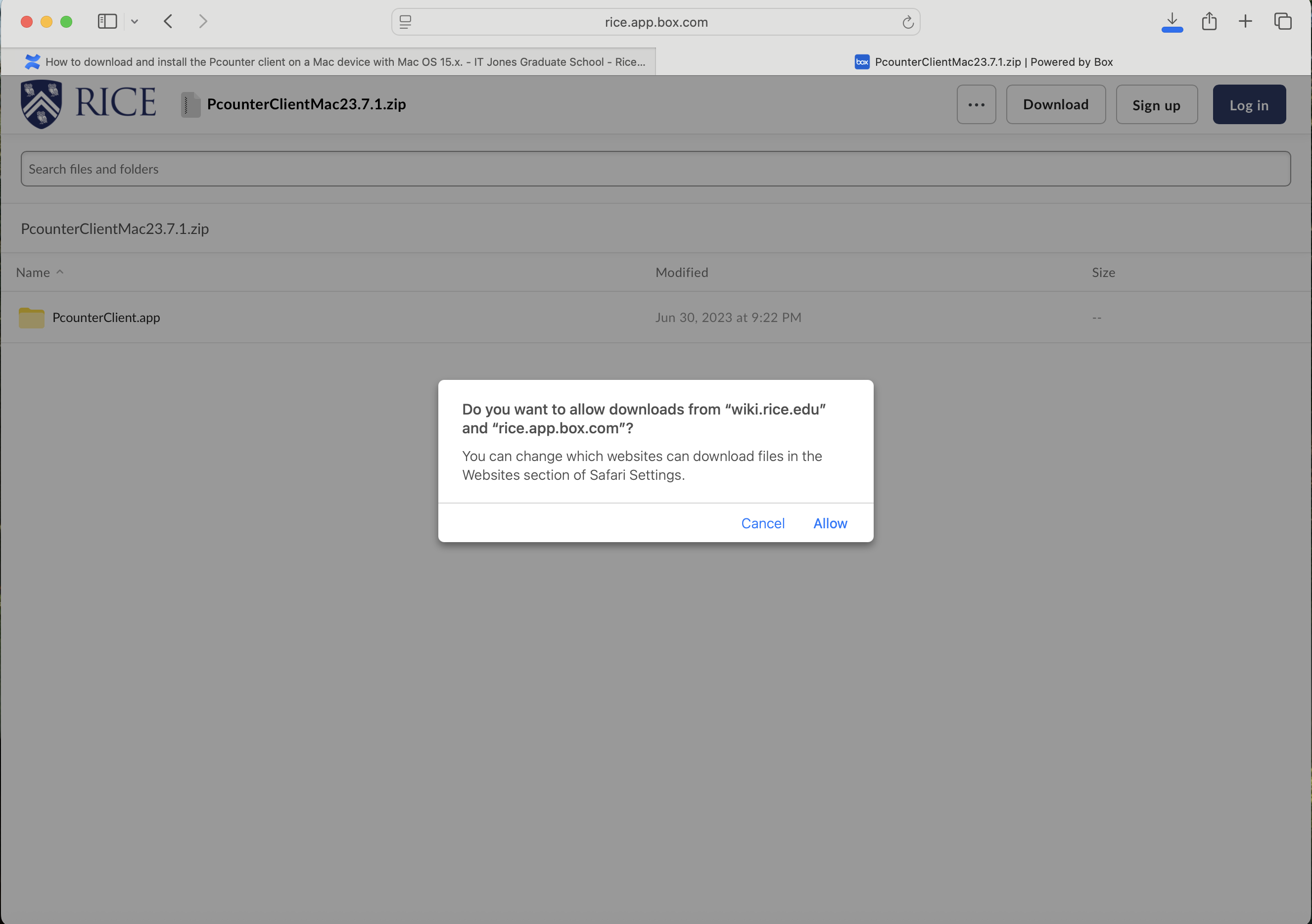
6. Click allow "Allow" on this option to Allow the downlaod.
7. Click on the "PcounterClientMac 23.7.1" to download.
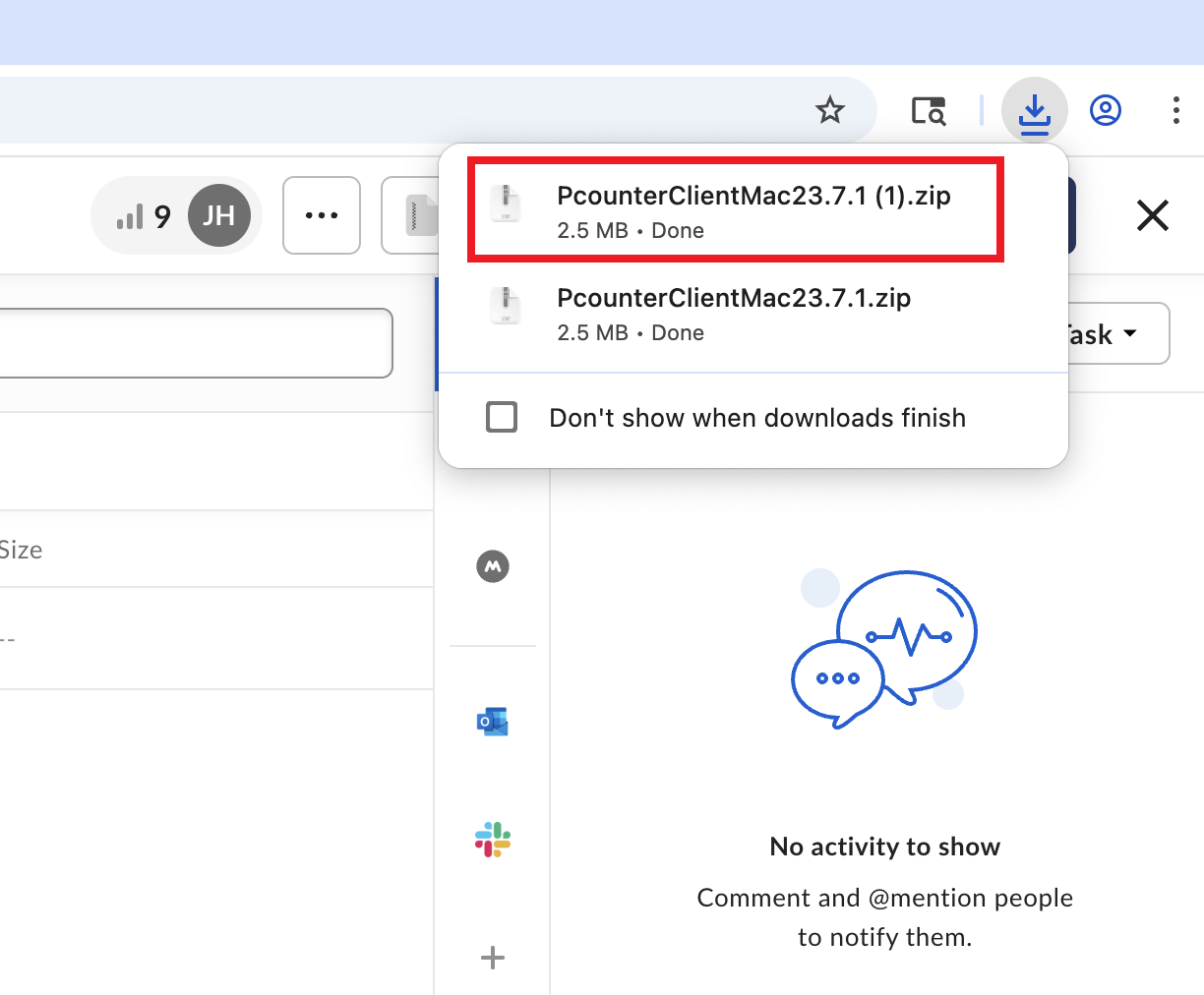
8. You will see the Pcounter client in the Download folder on your Mac.
...
9. Now you will go to the "System Settings" again to have the client load at startupwhen you login.
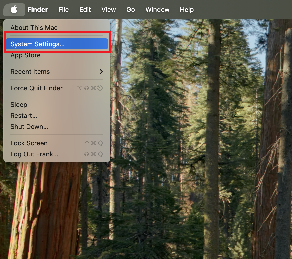
10. Go to "General" and go to "Login Items & Extensions"
...
12. Go to the download folder and select "Pcounter Client" application and click on the "Open".
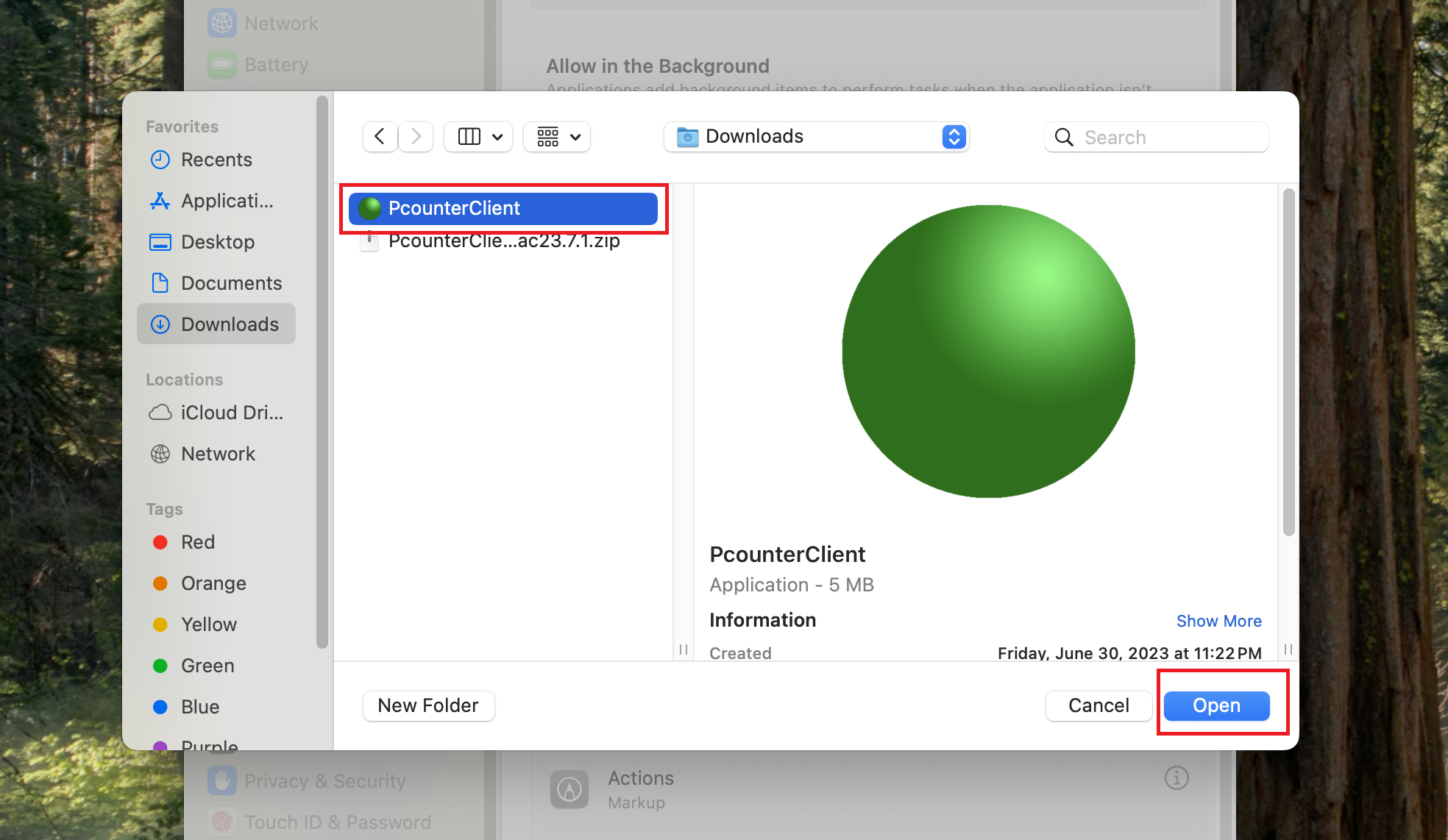
13. You will see the "Pcounter Client" has been added to this group to automatically load when you login.
...