Click here if you are using the old Outlook version
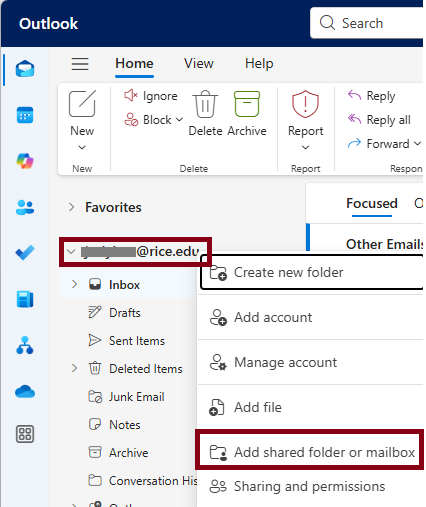
- Right-click on the your account name and choose Add shared folder or mailbox.
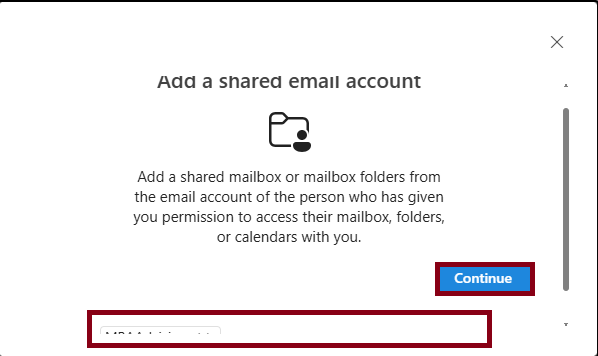
- Enter Type the email address or name of the shared mailbox and click Continue.
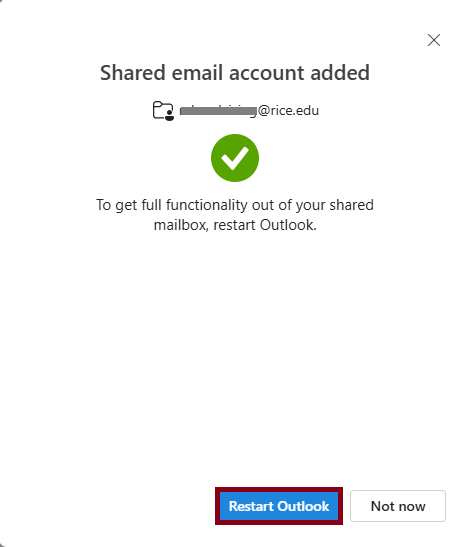
- Restart Outlook.
Click here if you are using the old Outlook version