Click here to download SPSS for Mac if you don't already have SPSS29 installed.
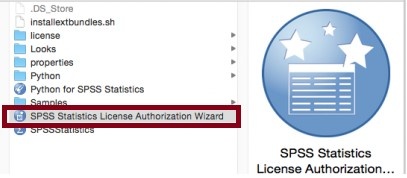
- Locate and launch the SPSS Statistics License Authorization Wizard via Finder (eg. Applications > IBM > SPSS > Statistics > 29).
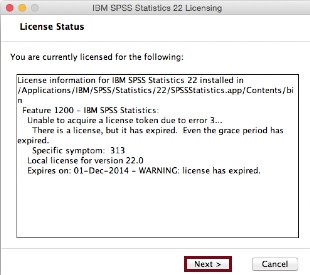
- Click Next.
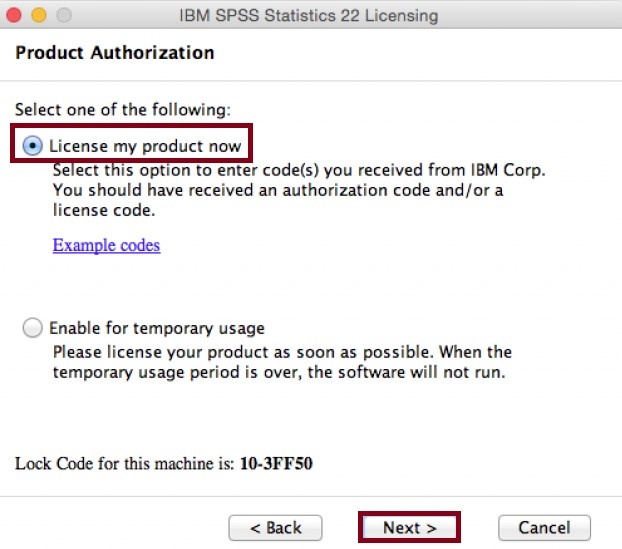
- Select License my product now, then click Next.
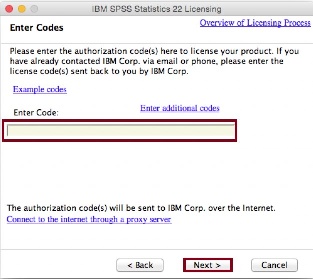
- Enter the authorization code provided, then click Next.
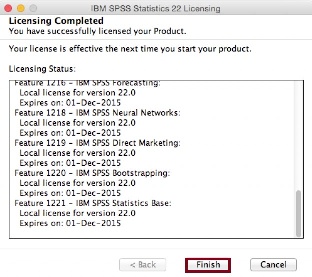
- Click Finish.