- Click here to download the Mac printer script to install the printers.
- Click Continue.

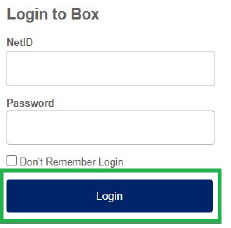
- Enter your NetID and NetID password.
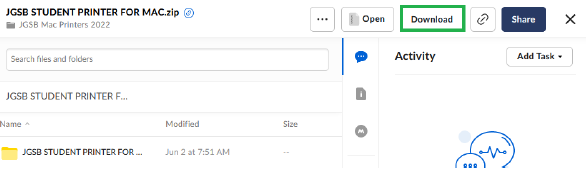
- Click Download.
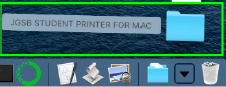
- Open the Downloads folder on your Mac.

- Double-click on the downloaded .zip file.
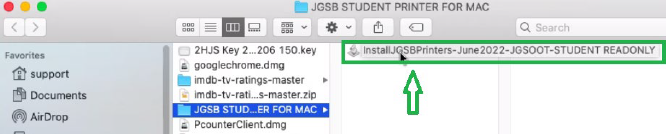
- Double-click on the script titled, InstallJGSBPrinters...
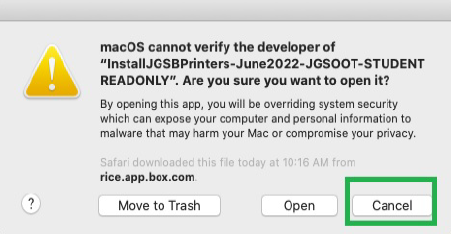
- Click Cancel.
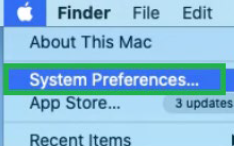
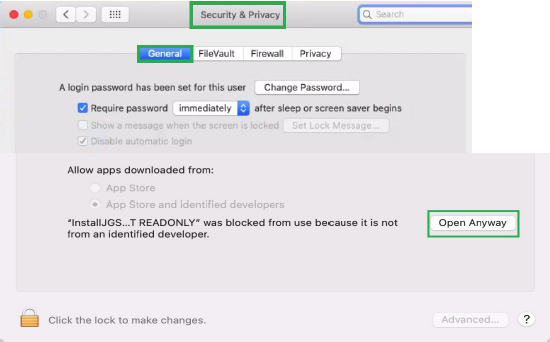
- Go to System Preferences and select Security & Privacy. Under the General tab, select Open Anyway.
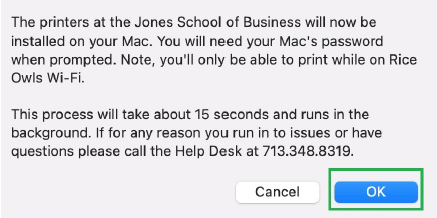
- Click OK.
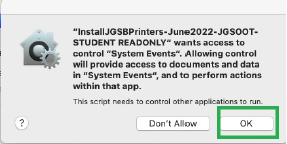
- Click OK.
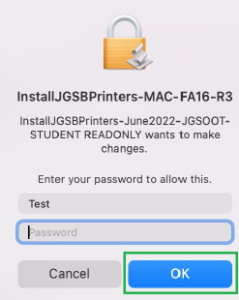
- Enter your Mac's device password and click OK.
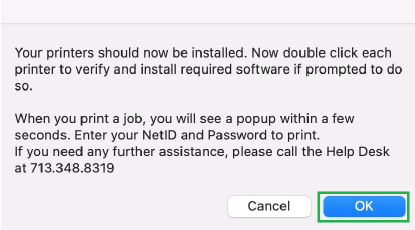
- Your printers should now be installed. Click OK.
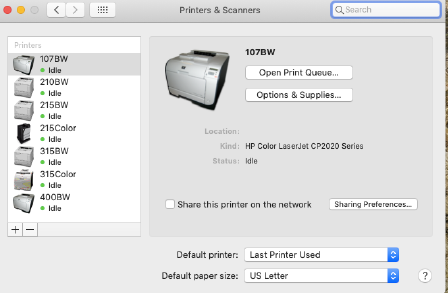
- Download and install the HP 5.1.1 printer software update.