Note: DTools8 is compatible with Office 365 Excel and Excel 2010-2019 for Windows (not Excel for Mac). Please make sure you have Excel installed before proceeding.
Apple computers must have Parallels and Windows pre-installed.
- Click here to download the DTools installation file.
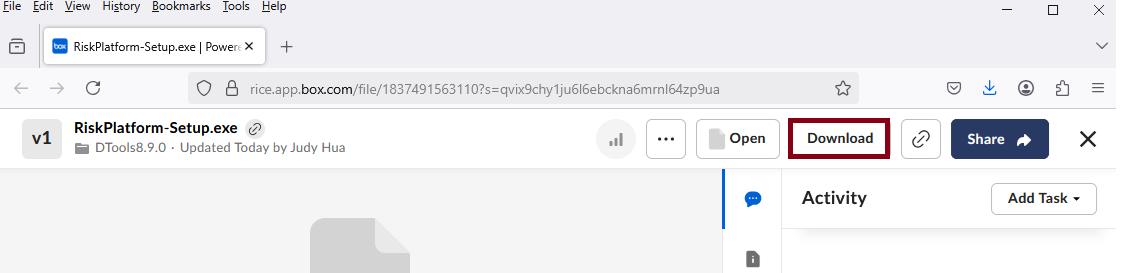
- Click Download.
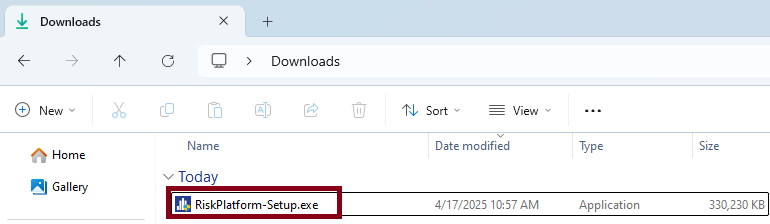
- Go to the Downloads folder, double-click on the RiskPlatform-Setup file.
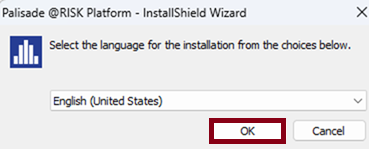
- Click OK.
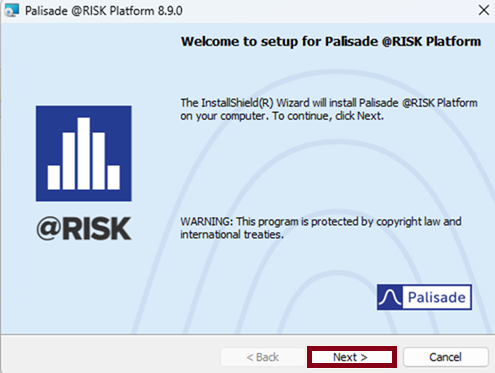
- Click Next.
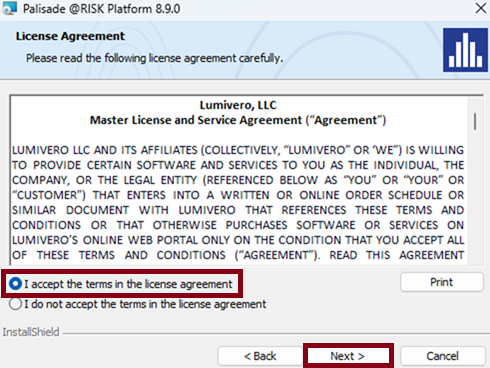
- Accept the license agreement and click Next.
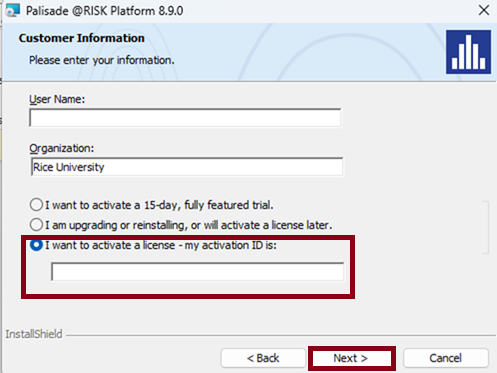
- Select I want to active a license - my activation ID is:. Copy/paste the provided Activation ID in the box, then click Next.
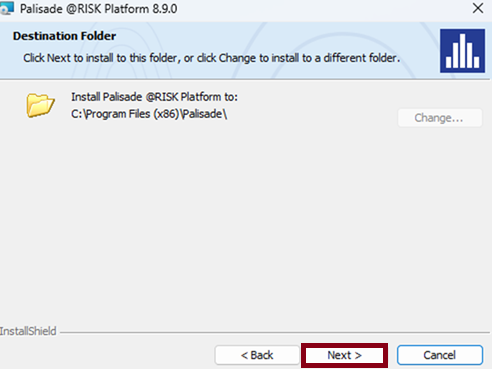
- Click Next.
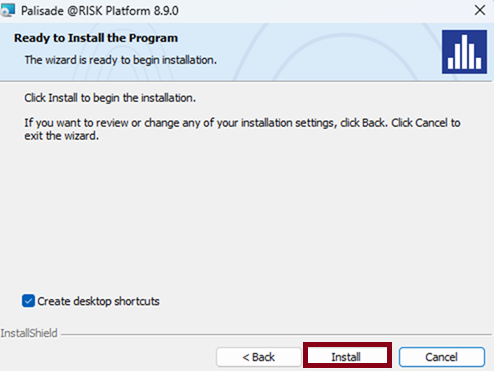
- Click Install.
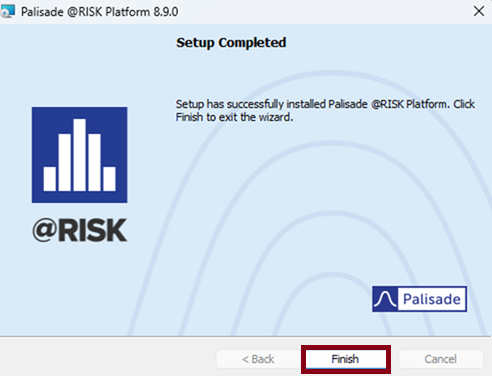
- Click Finish.