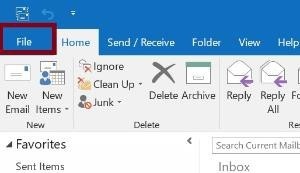
- Click the File Menu in Outlook.
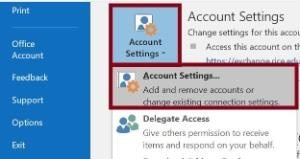
- Go to Account Settings and click Account Settings...
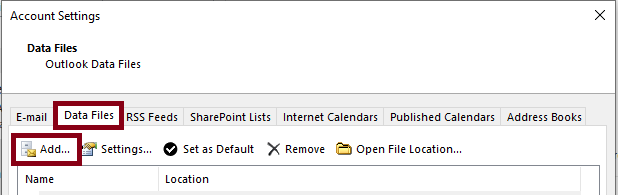
- Click the Data Files tab and click Add...
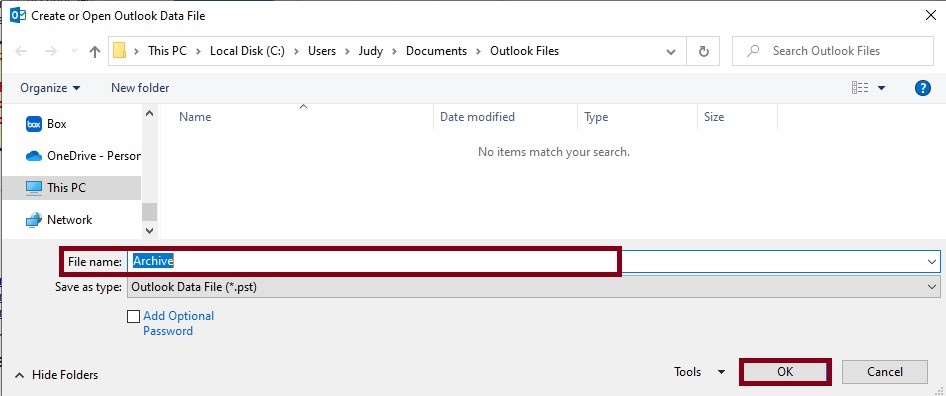
- Enter a name for your archive folder and click OK.
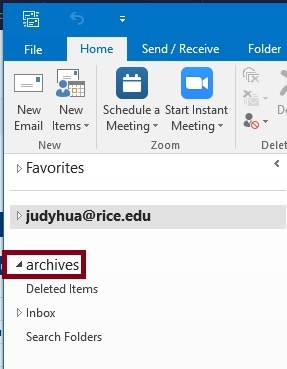
- You will find the newly created archive folder in the navigation pane on the left side of the Outlook window.