- Sign in to Calendly.
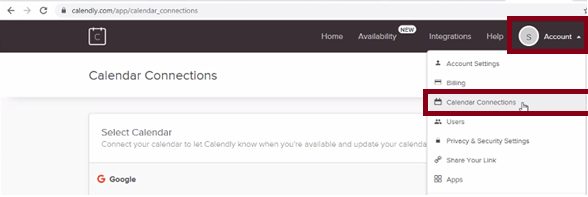
- Click on Account and select Calendar Connections.
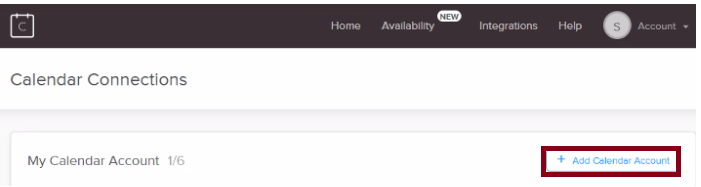
- Click Add Calendar Account.
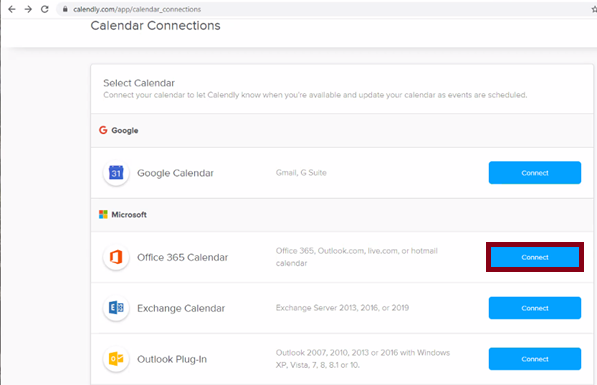
- Click Connect next to Office 365 Calendar.
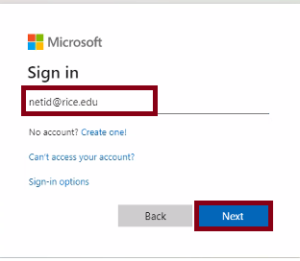
- Enter your Netid@rice.edu email address, then click Next.
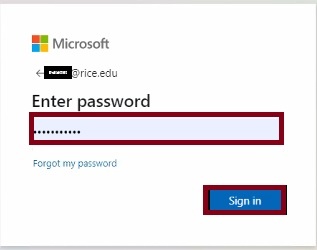
- Enter your netid password, then click Sign in.
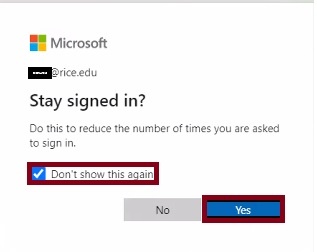
- Check the box next to Don't show this again and click Yes.