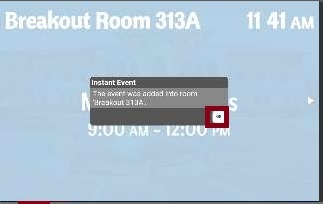
- Tap anywhere on the display, then tap Instant Event (on the lower right-hand corner)
*Breakout rooms can only be reserved on these display for day-of use. To book a breakout room for a later date, please visit https://rooms.rice.edu on your computer.

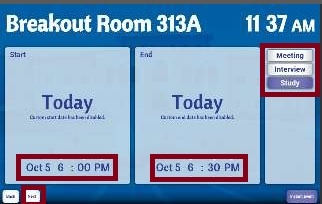
- Set the start and end time. Select the reservation type from the menu (Meeting, Interview, etc.). Click Next.
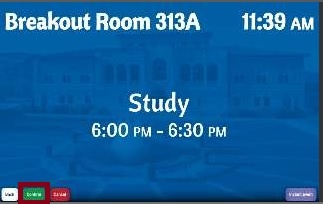
- Click Confirm.
- Click OK.