Step 1: Launch Word 2016
Step 2: Open the document in which you wish to insert changes
Step 3: Click on the Review tab
Step 4: Click on the Track Changes button

Step 5: Start making changes to the document
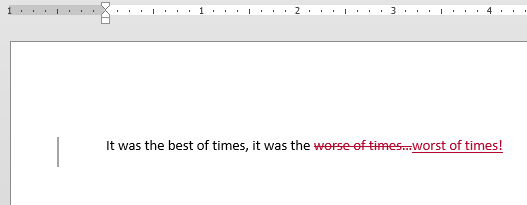
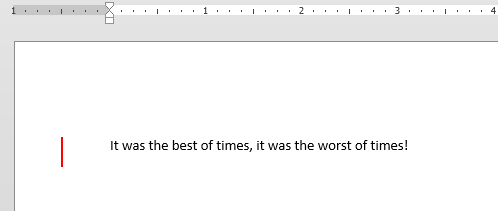
Step 6: You can change Markup views by changing settings in the Markup section under the Review tab.
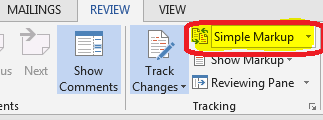
Step 7:
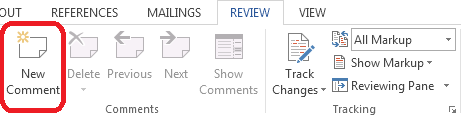
Step 8: If you want to add comments about why you made the changes, you can click on the New Comments option under the Review tab
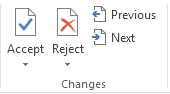
Step 9: If someone sends you a document with track changes, you can Accept or Reject each change individually by using the options in the Changes section under the Review tab. Use the Previous and Next buttons to look through all the changes in order.