With the upgrade to RT Request Tracker Version 4.4, all Privileged Users have some new options and features they can choose for their personal preferences.
Some of the default RT options have changed as well. See new or changed items highlighted in Blue text.
RT Privileged User Options are definable for key areas:
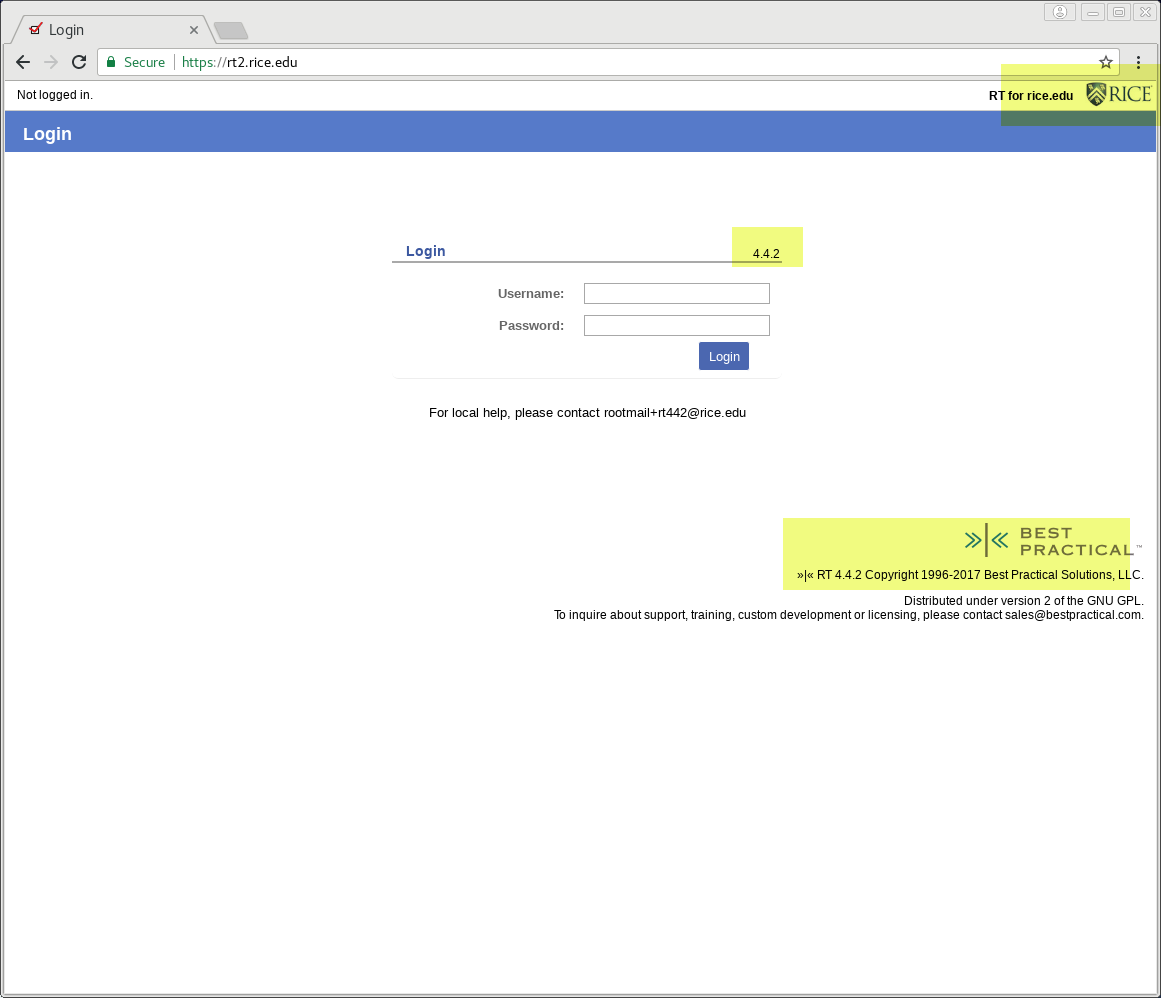
RT Login Screen
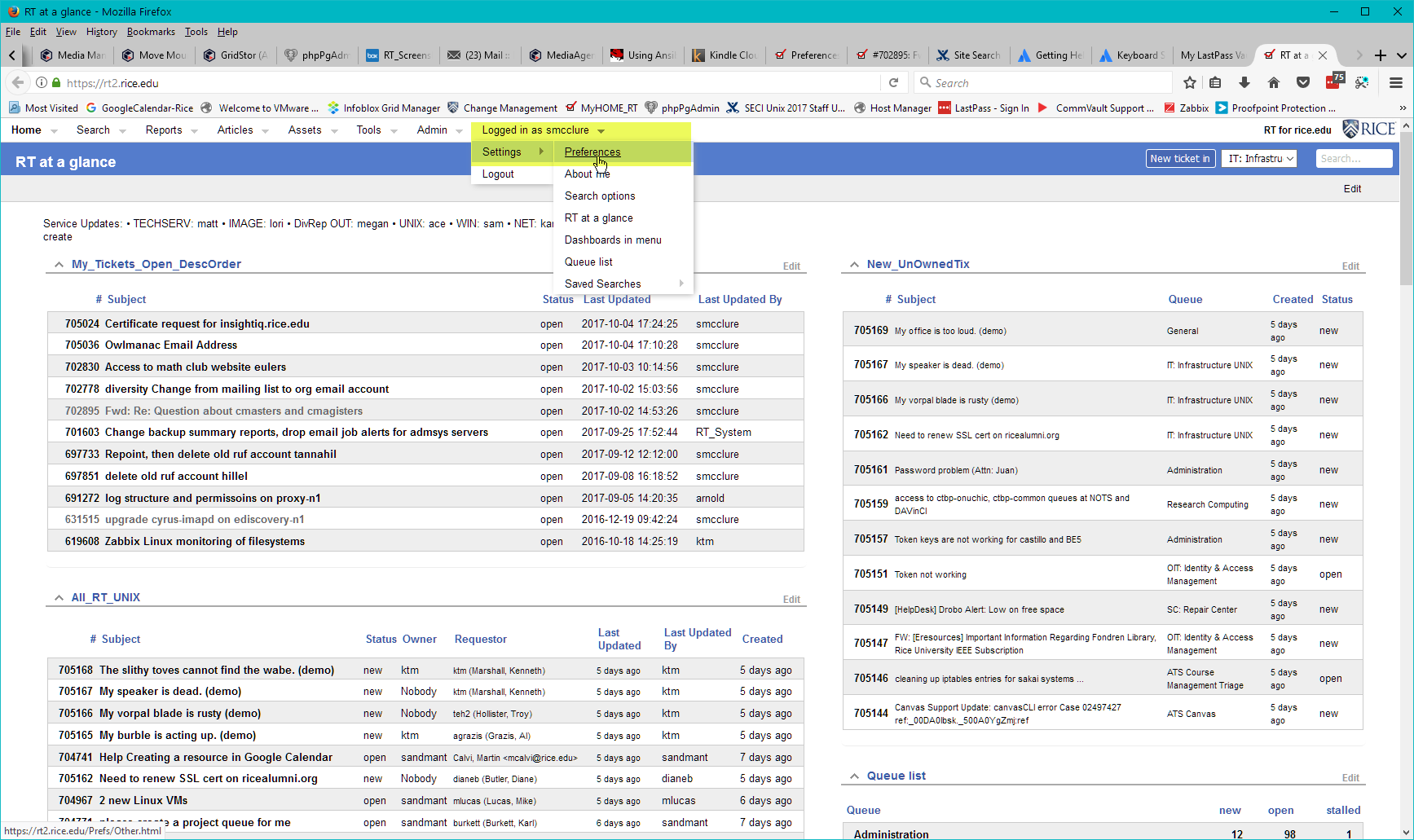
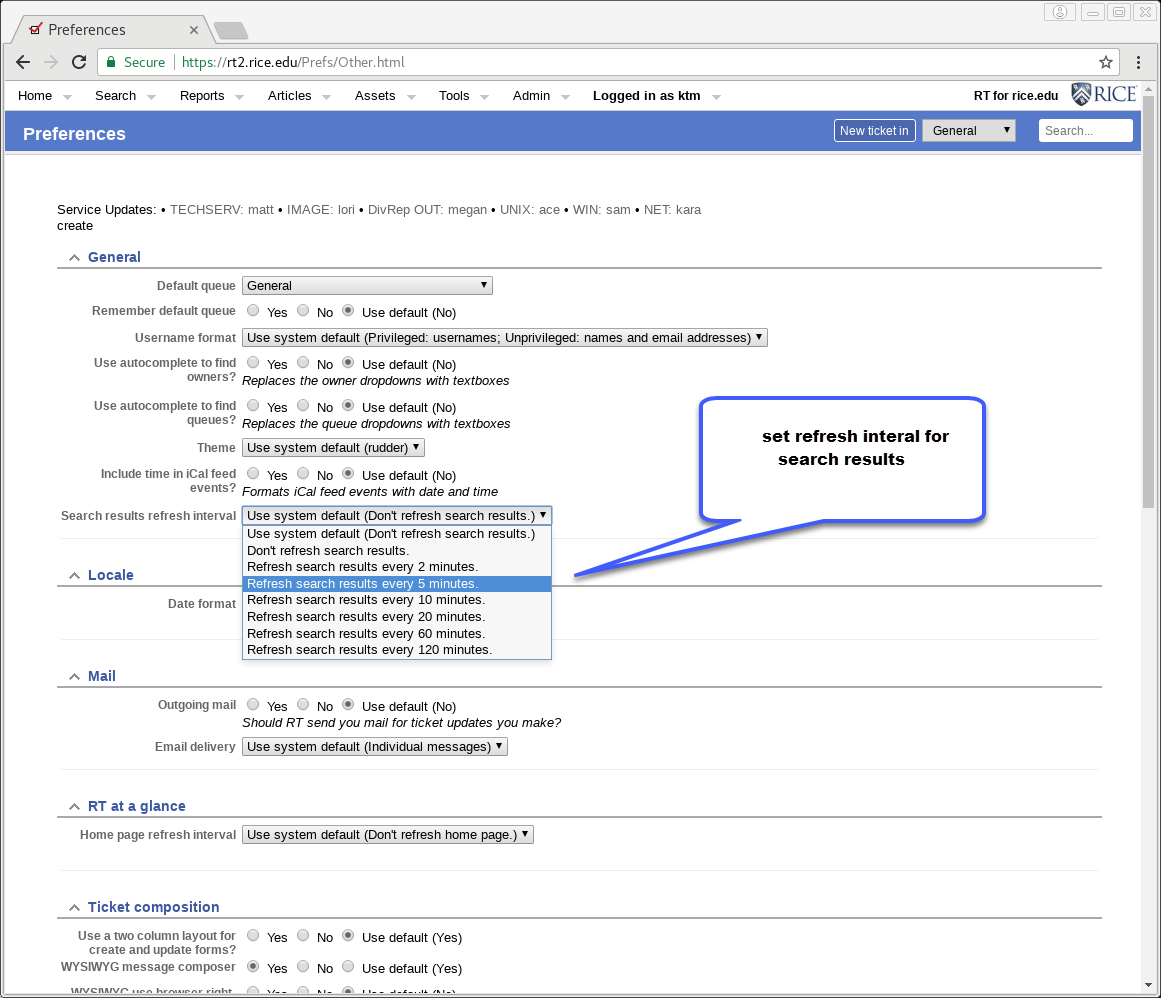
Below are preference sections for users to check or change to best suit their needs. New options or new defaults are in Blue
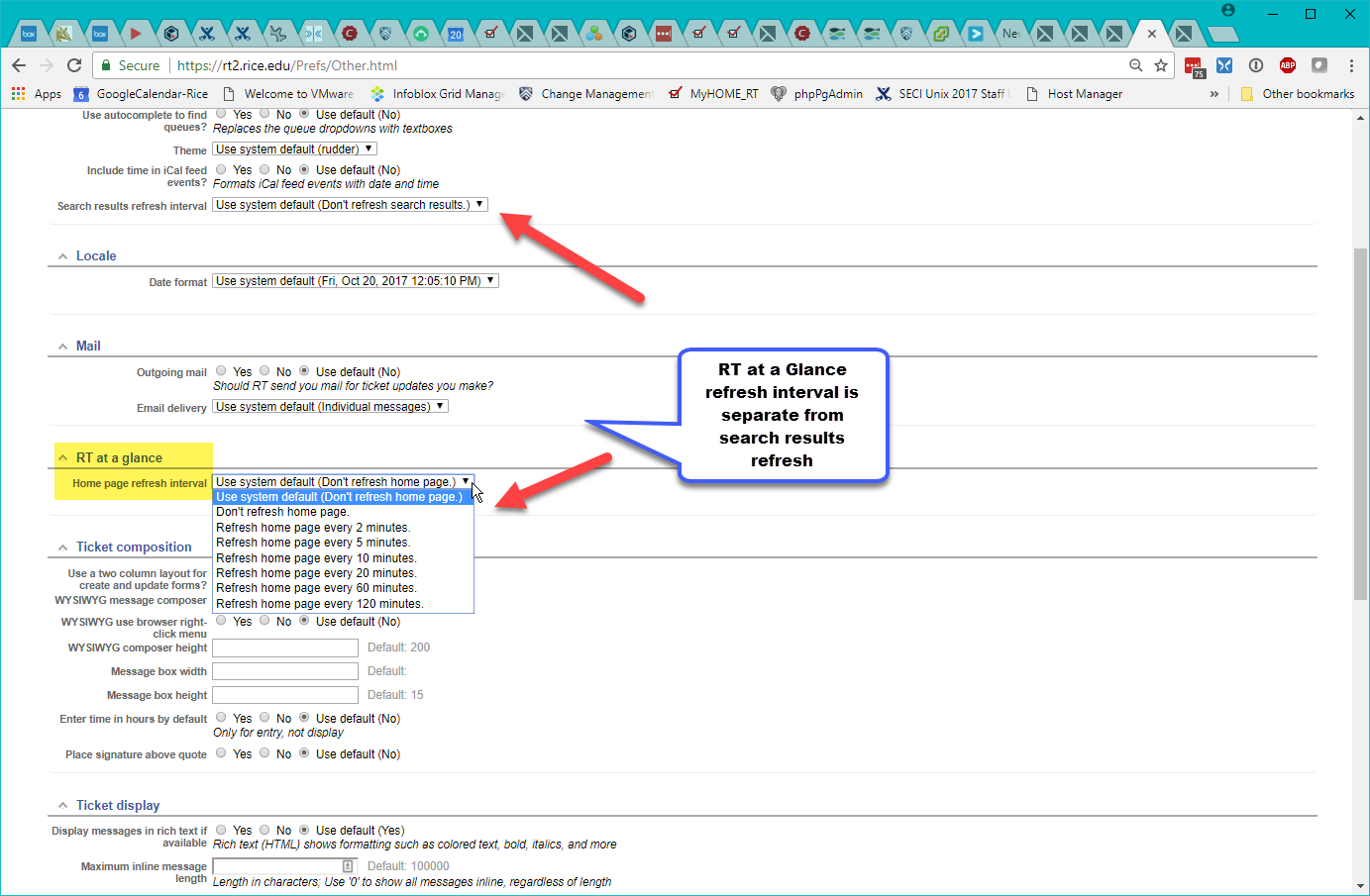
Search results refresh interval
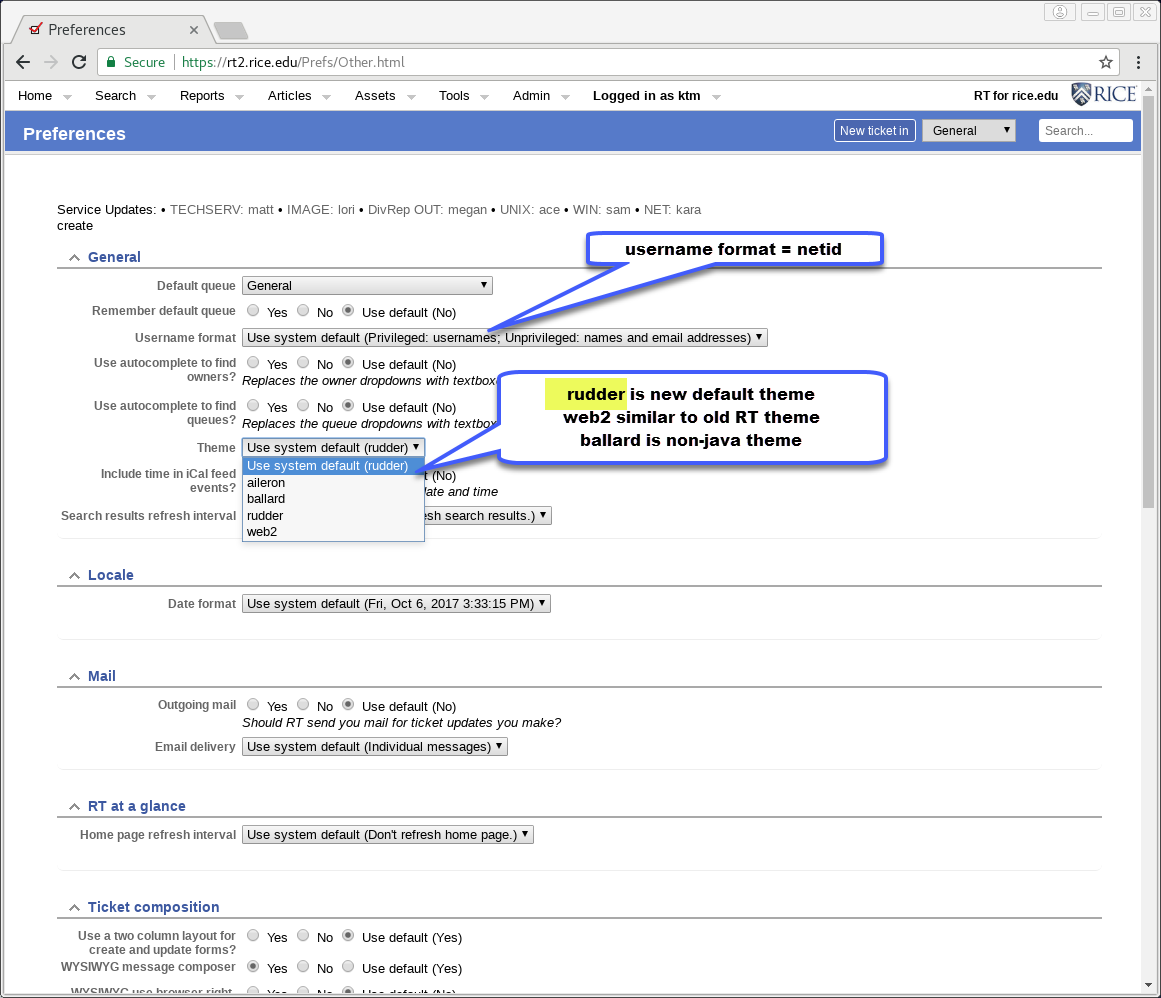
General - Refresh search results Interval
Use for your defined "RT at a Glance" home page
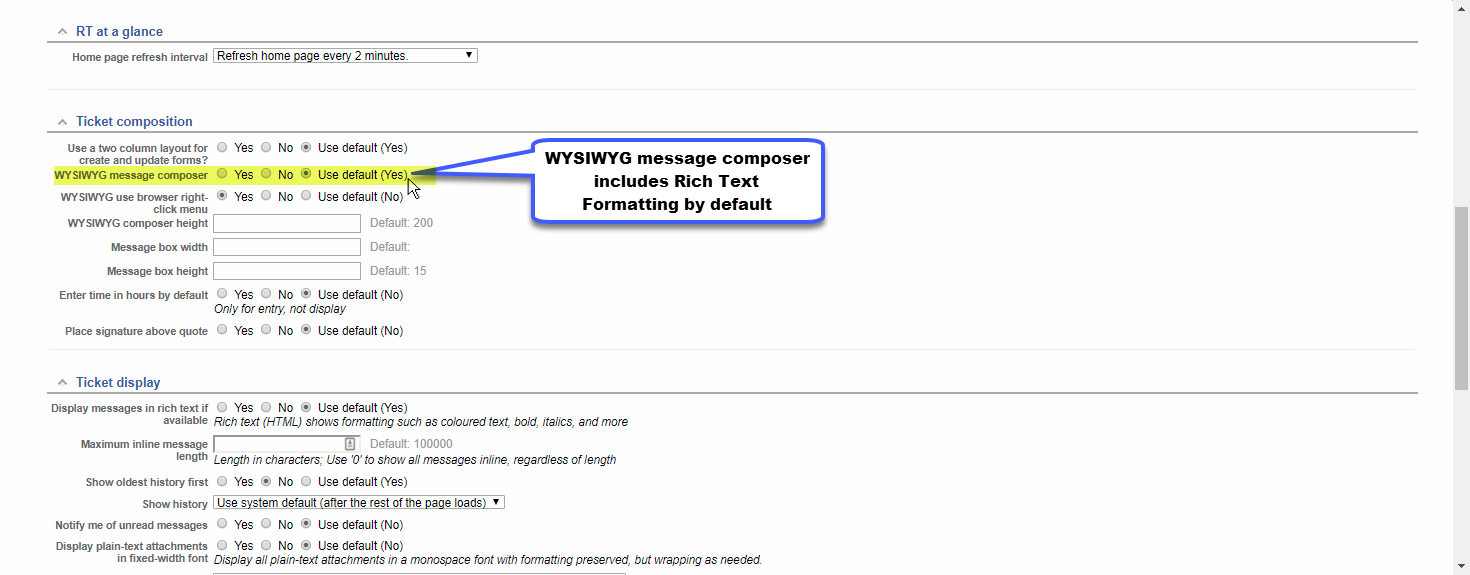
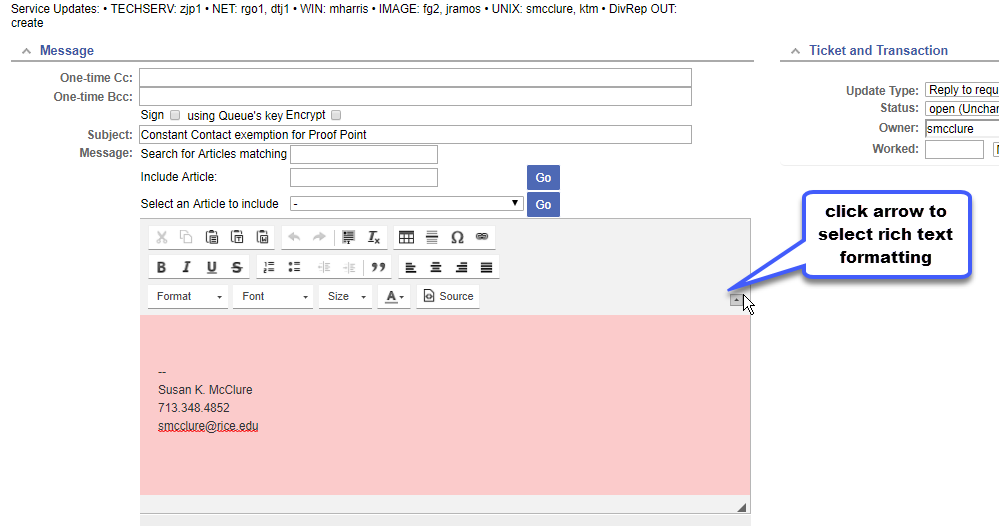
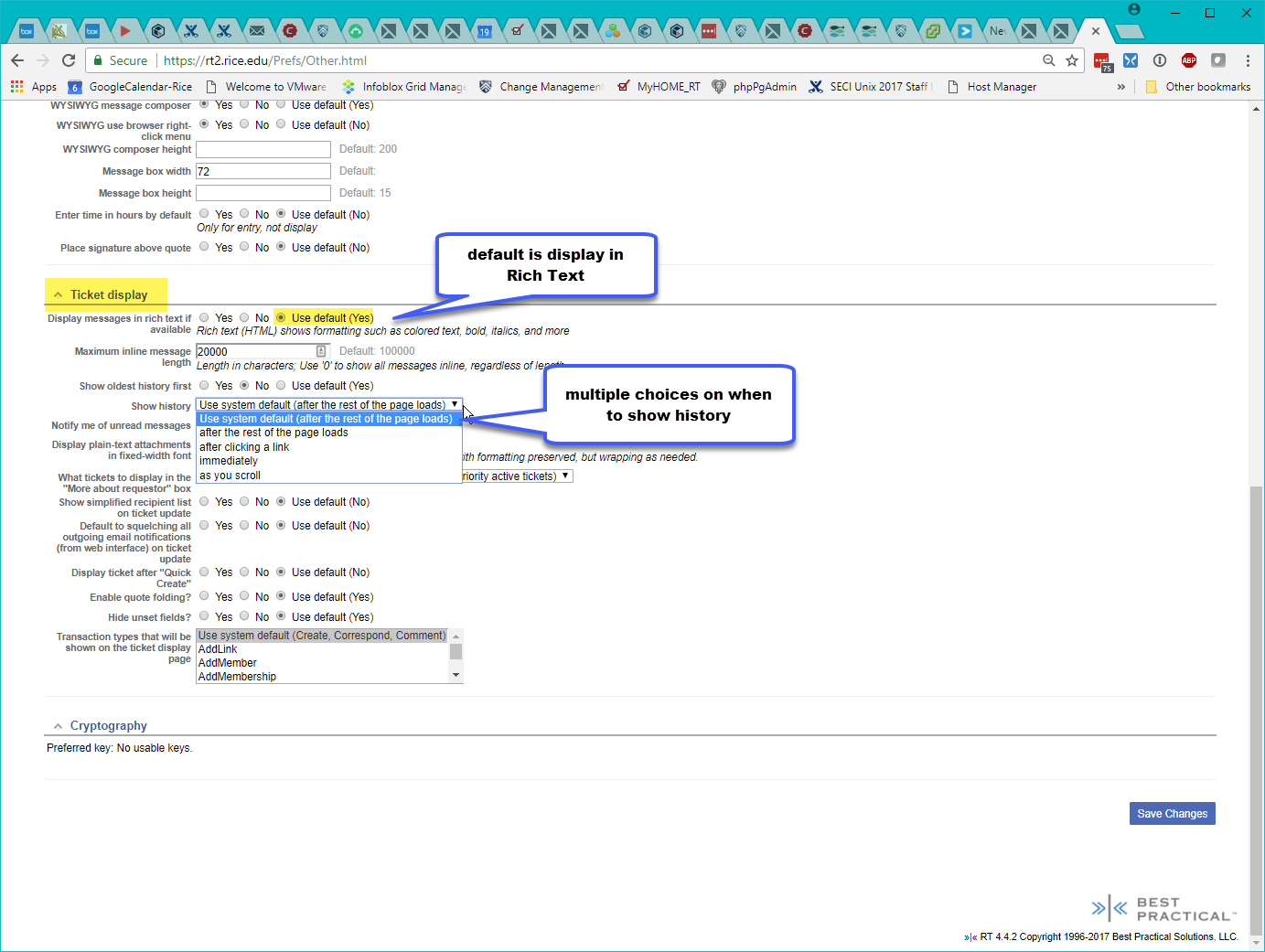
Ticket Composition Preferences
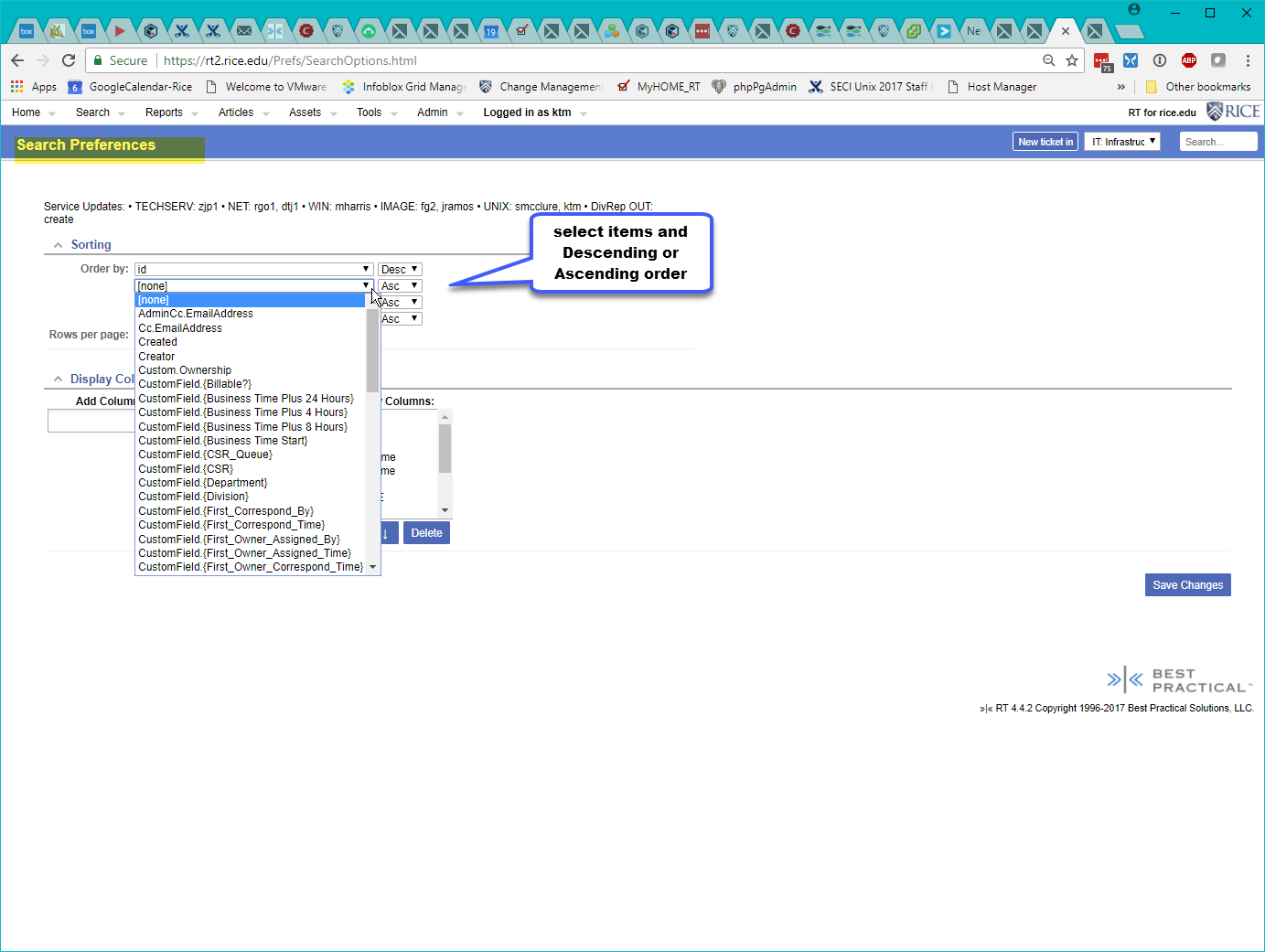
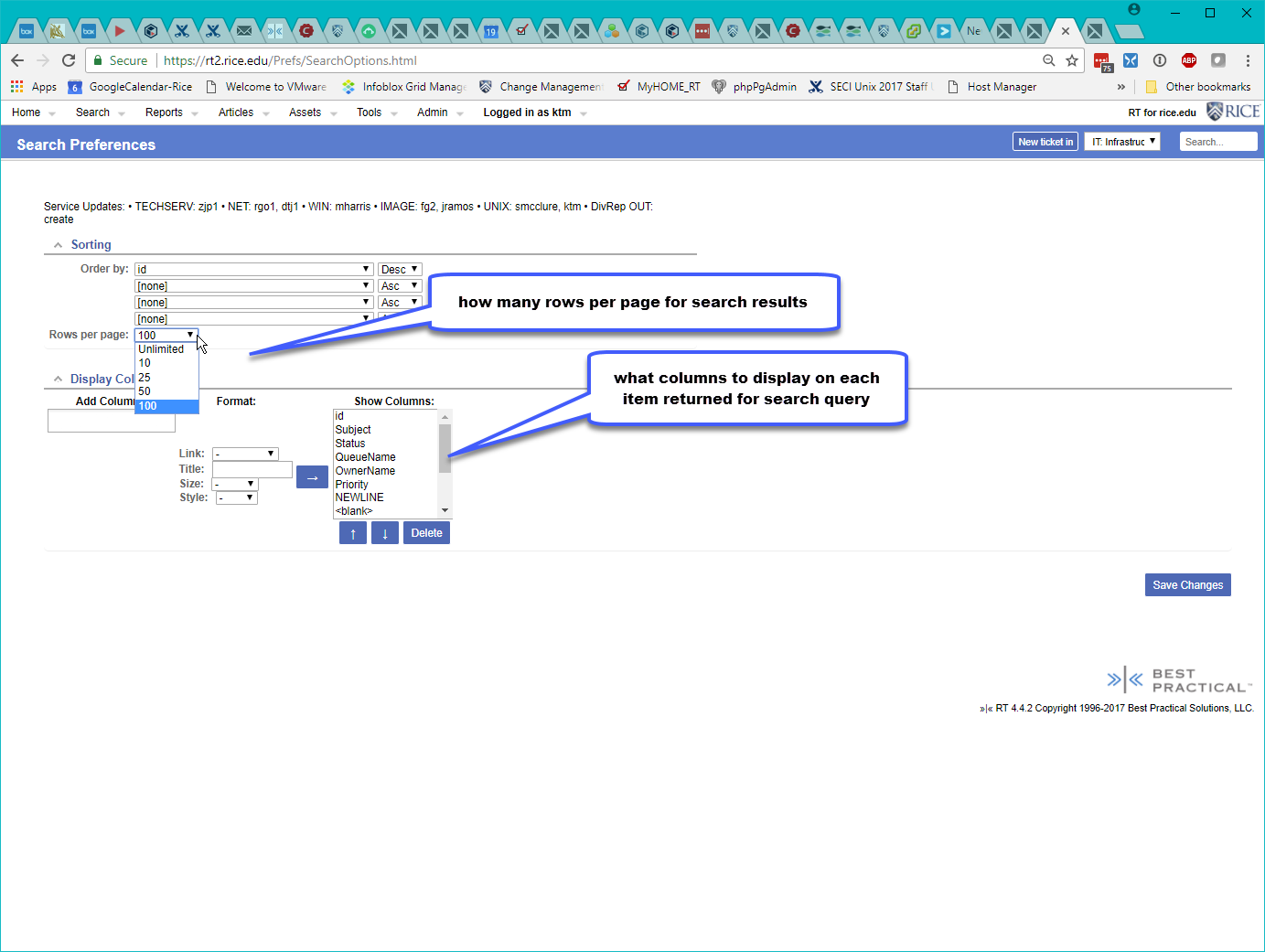
Allow user to select how you wish to see the results of any search.
Ticket Timers - using 3 here
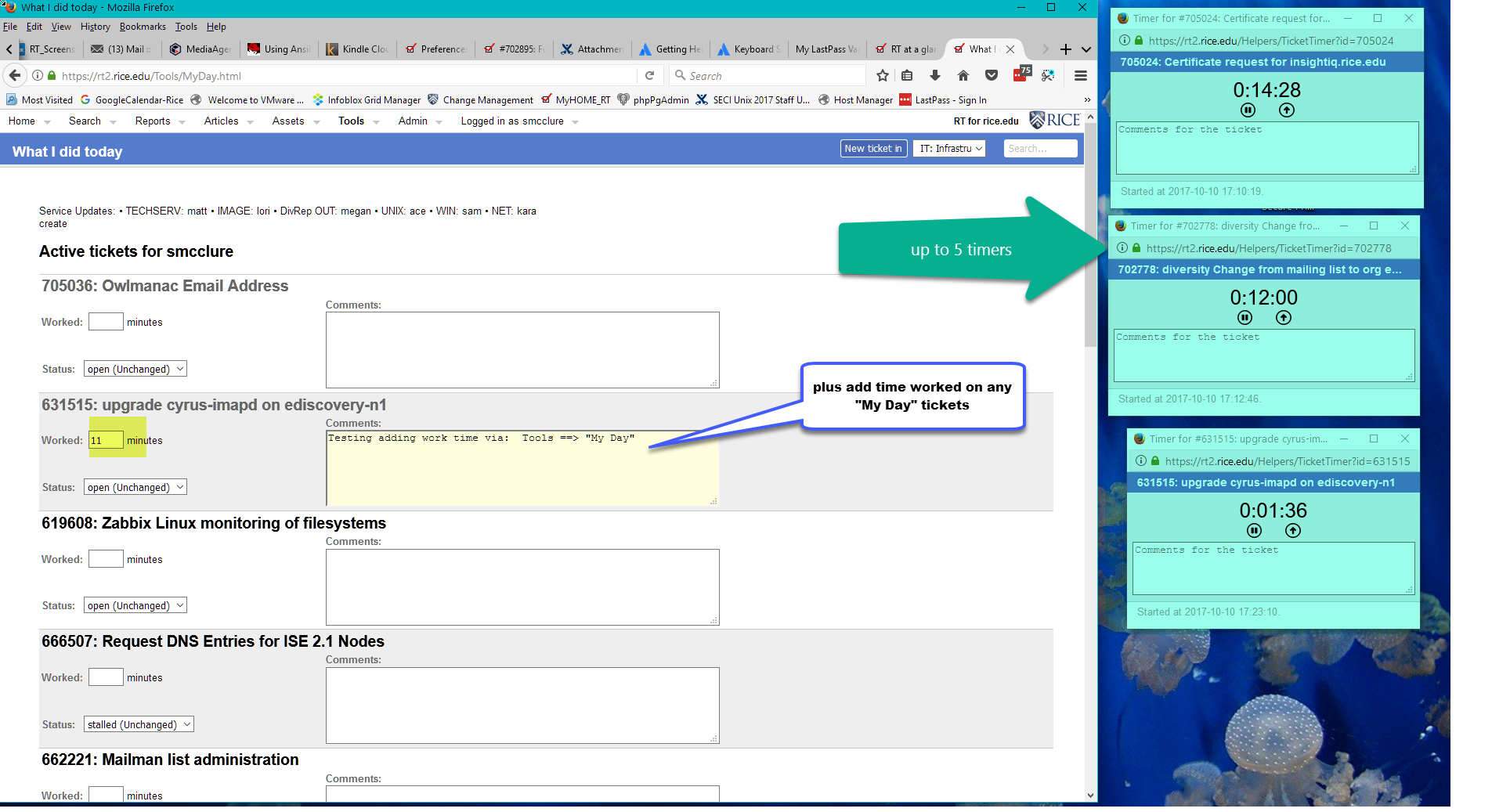
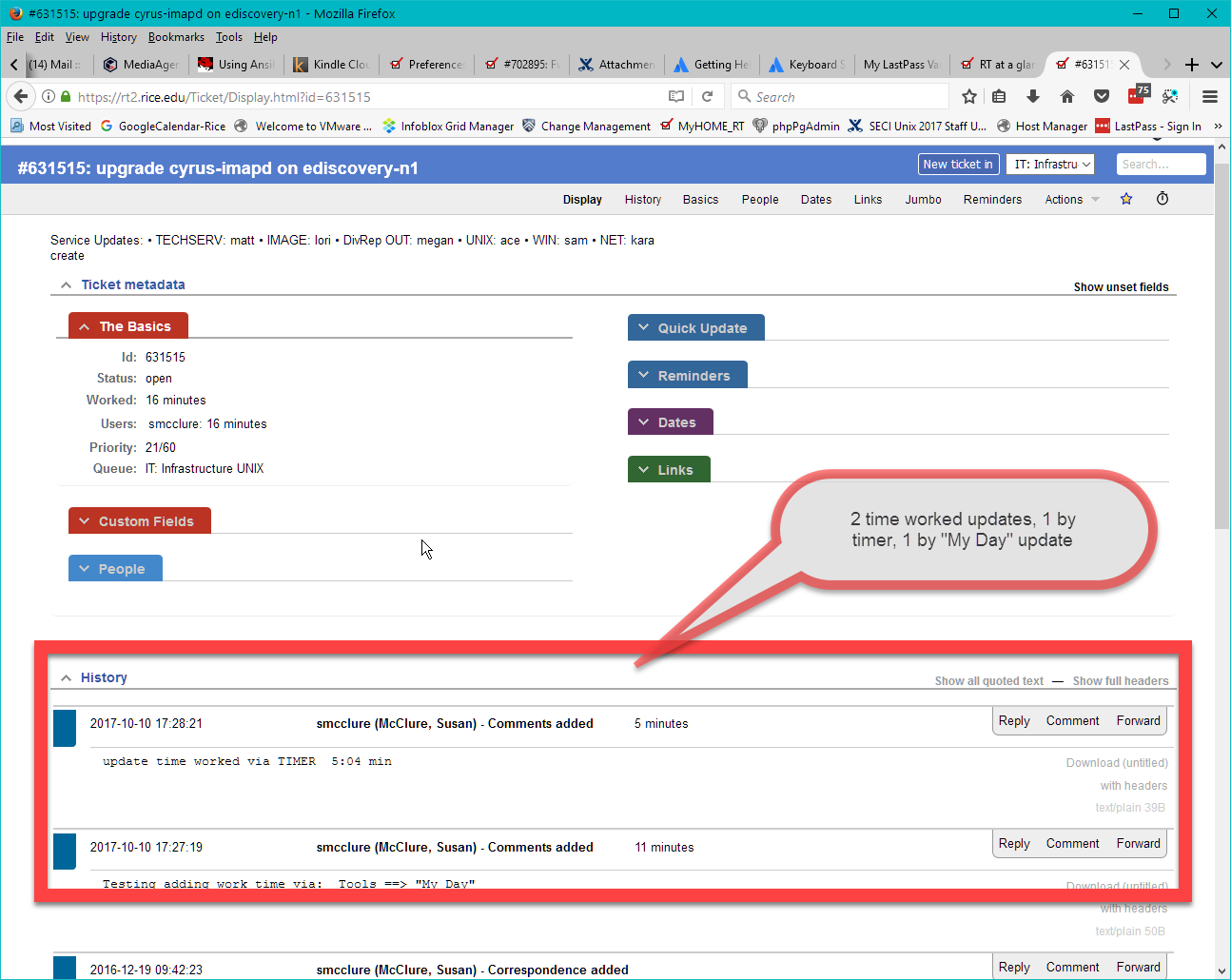
Ticket Timers - 2 methods to update time worked
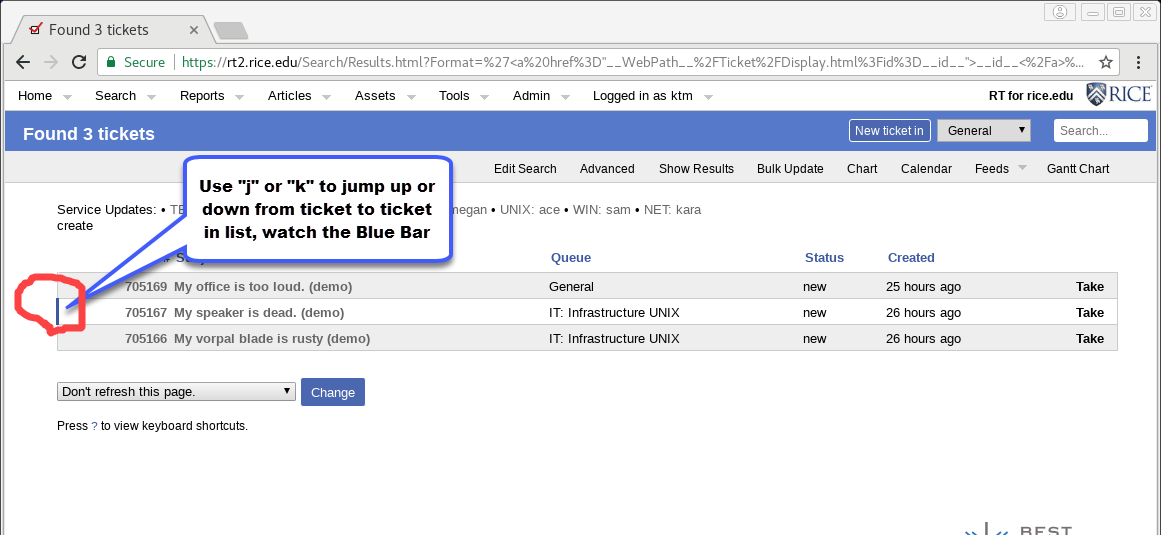
2) quick keyboard shortcuts for navigating within a search results listing of tickets
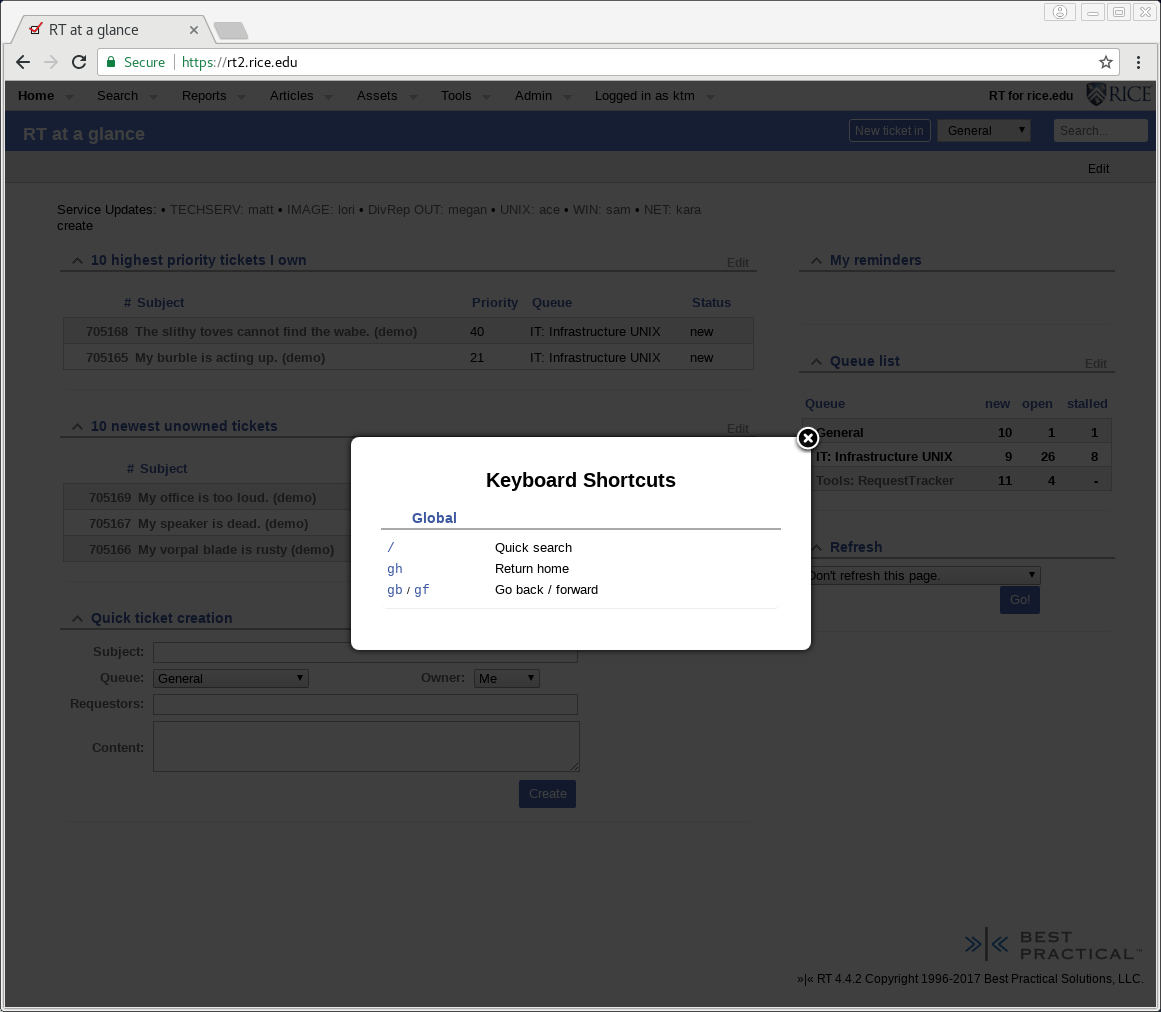
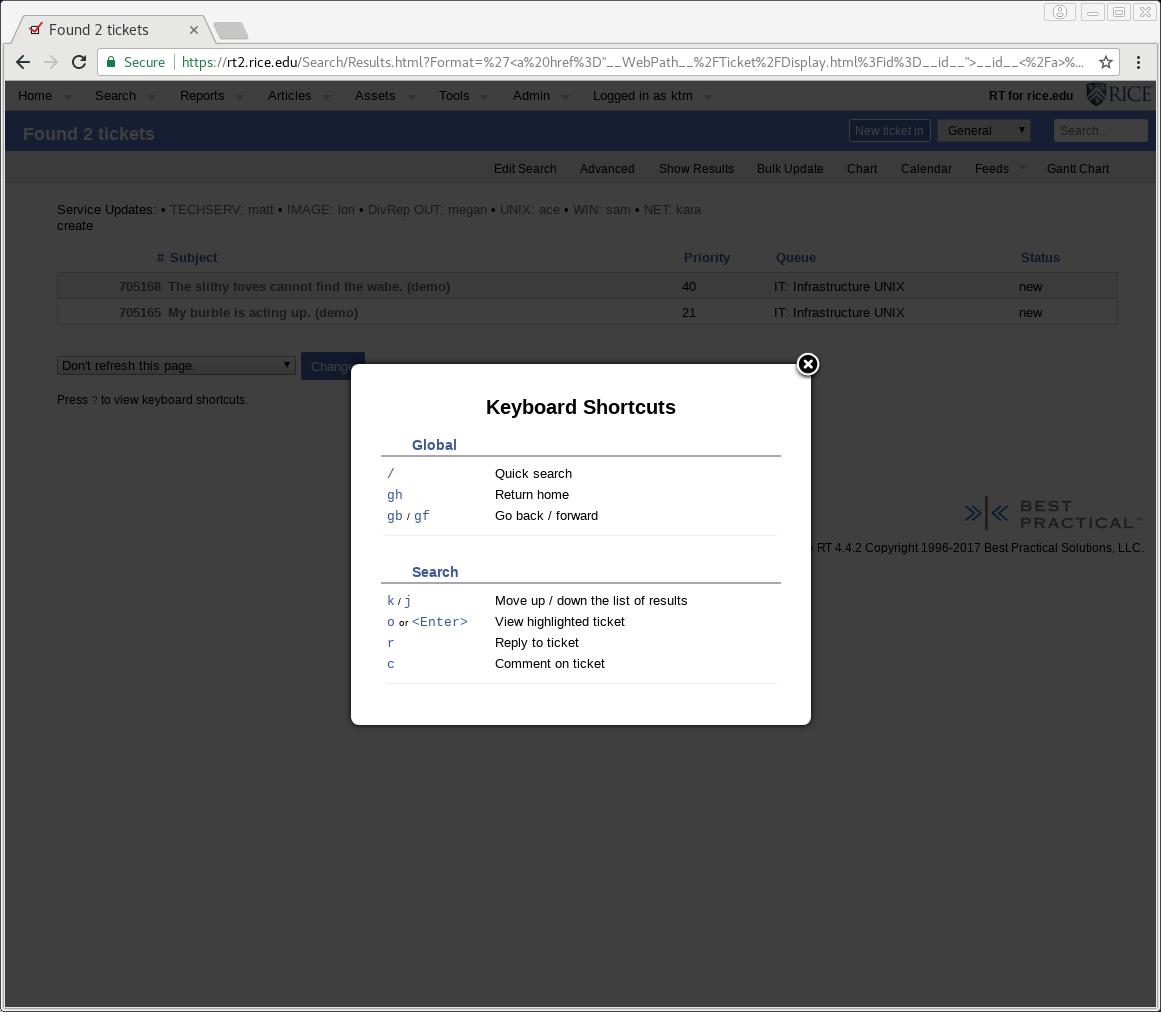
RT Dashboards are a customized RT web page, with 1 or more sections defined; for displaying desired groupings of RT data and functions. Dashboards typically include sections such as :
Users can create custom personal Dashboards, and Departments can create and share Departmental Dashboards to provide easy access to their users.
A defined Dashboard can also be "subscribed" to. Then, you can define when you want to receive an email containing that Dashboard's current view.
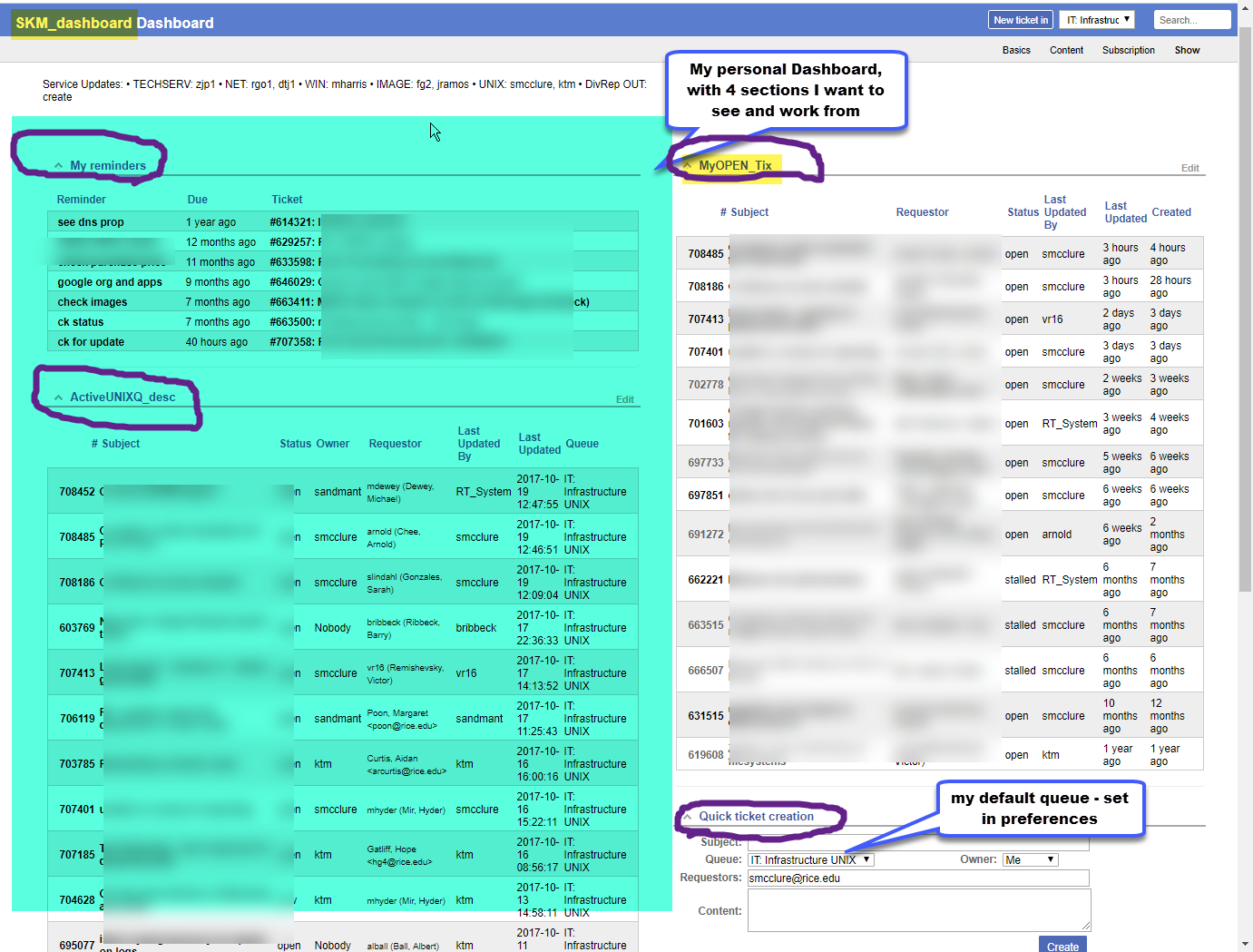
Sample RT Dashboard with 4 sections of data
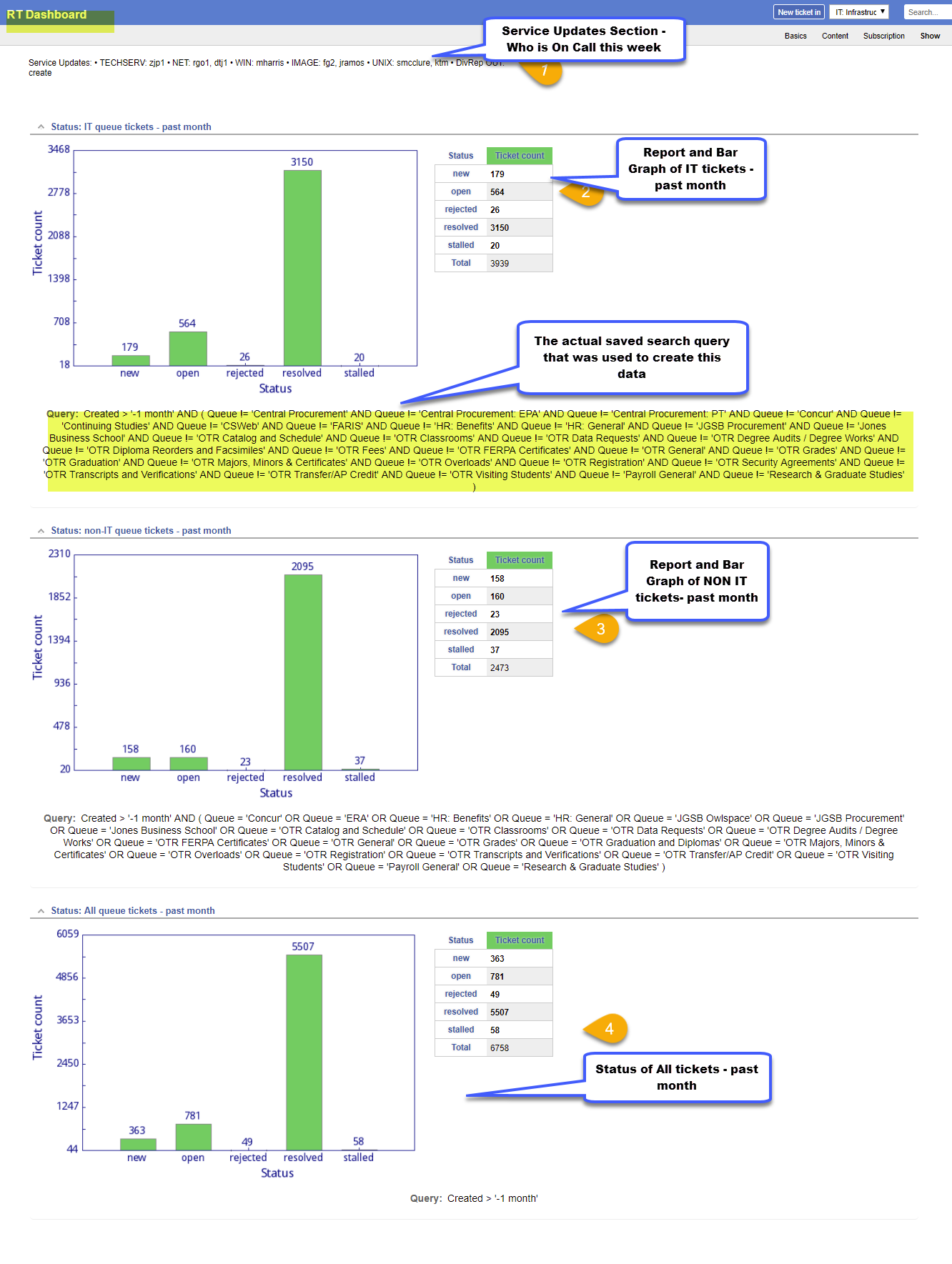
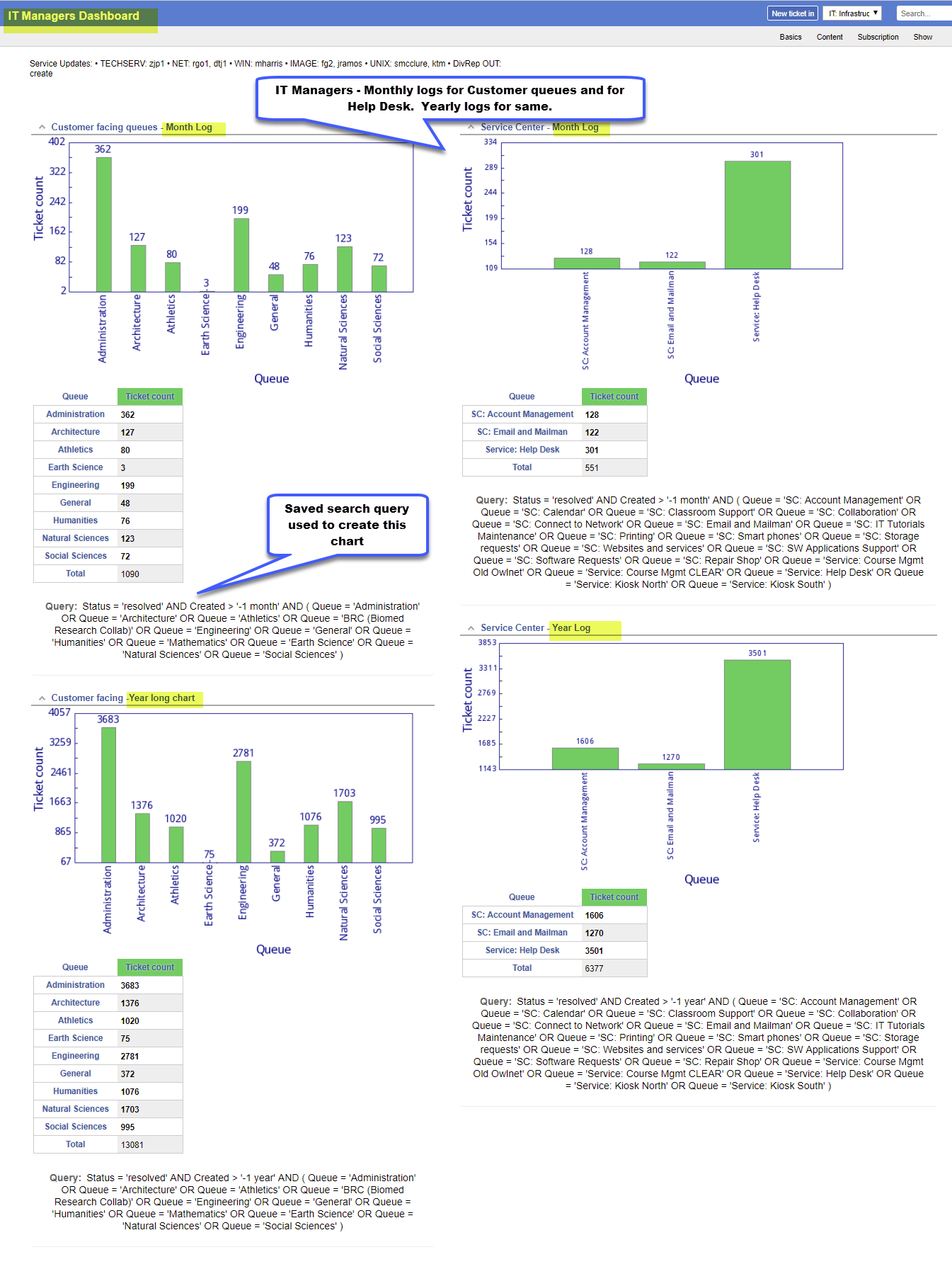
Departmental Dashboard for IT Managers
Personal Dashboard - with just the sections of data I want using my personal Saved Searches:
This option of searching has existed prior to RT 4.4, but it now indexes and returns your results faster.
Once you have made a simple search, you may also then edit that search in the full RT query builder, to refine the search with other attributes(Subject, owner, Queue, status etc) or add a date range. Once you have a search query you like, you can save that search for reuse later or for inserting into a Dashboard.
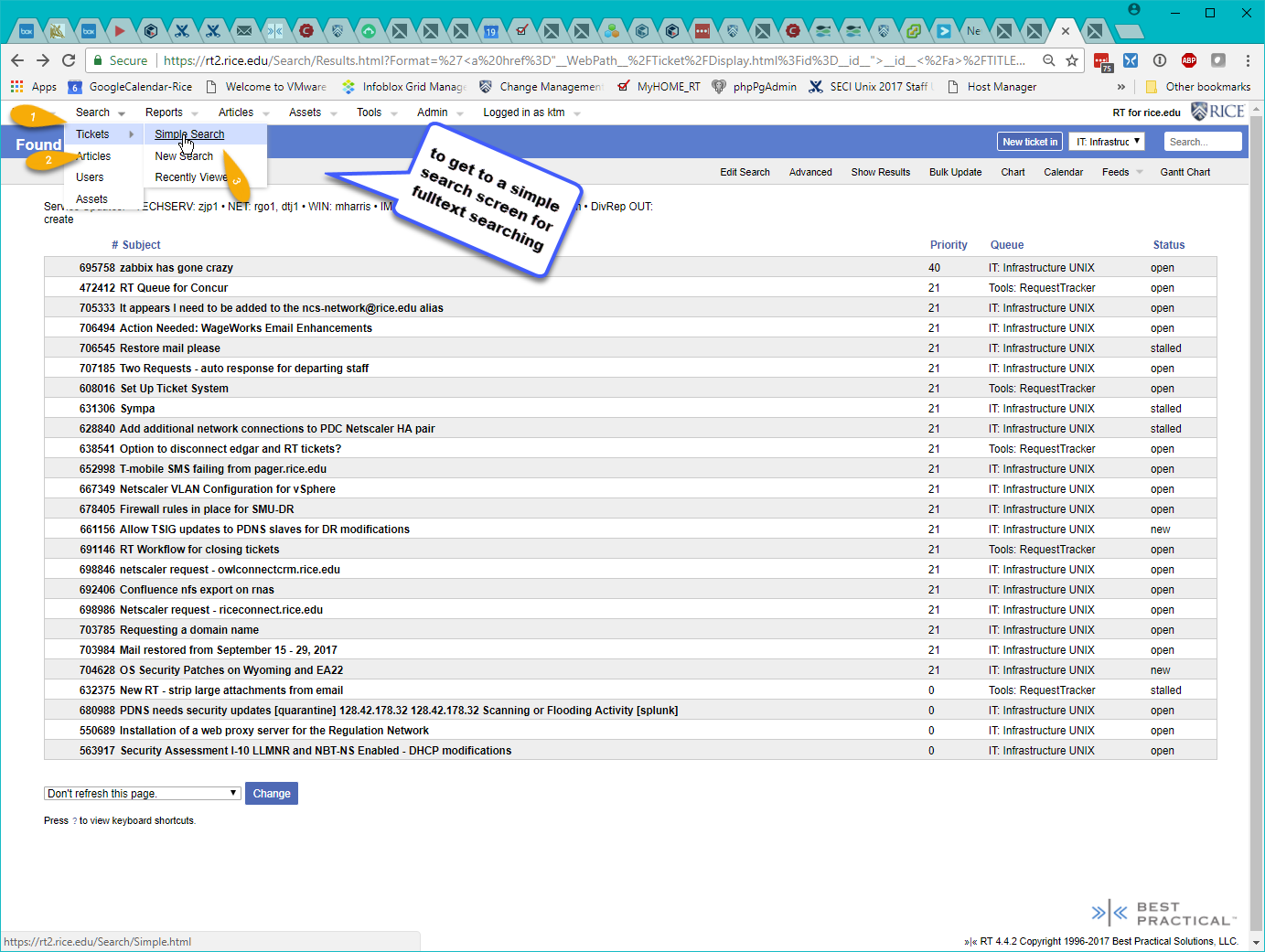
To Select Simple Search Page -
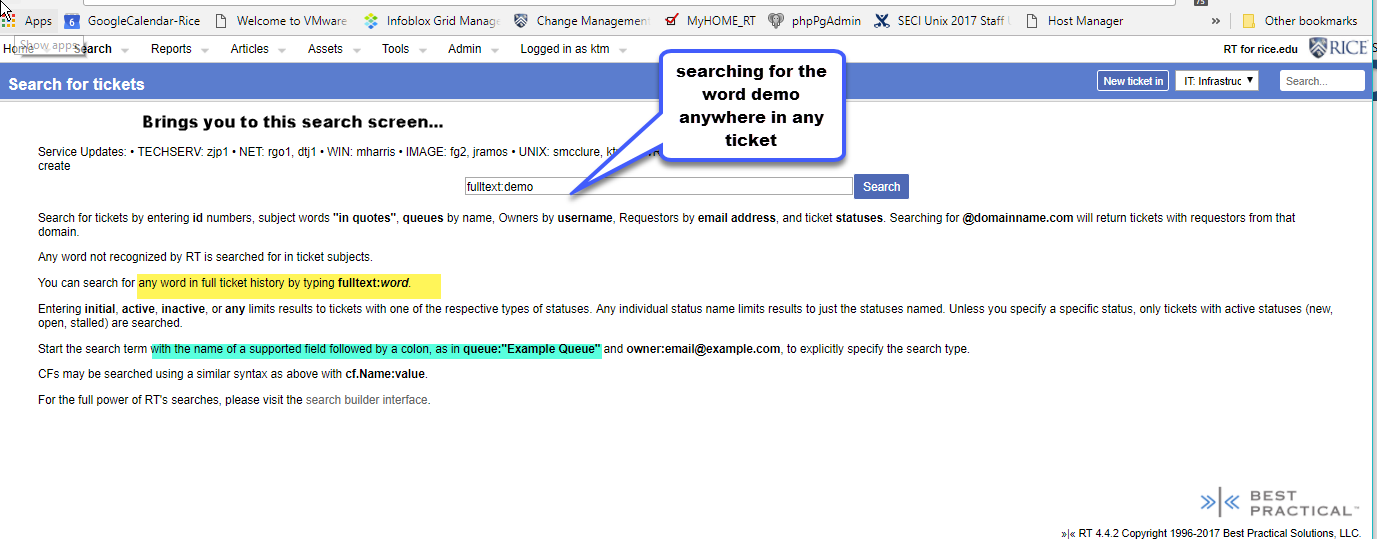
The Simple Search Entry Screen -
For Simple Search Examples see RT 4.4 Request Tracker Simple Searches