1. Click HERE to access the SPSS 31 installation file for Windows.
2. Click Download in the upper-right menu to download the software.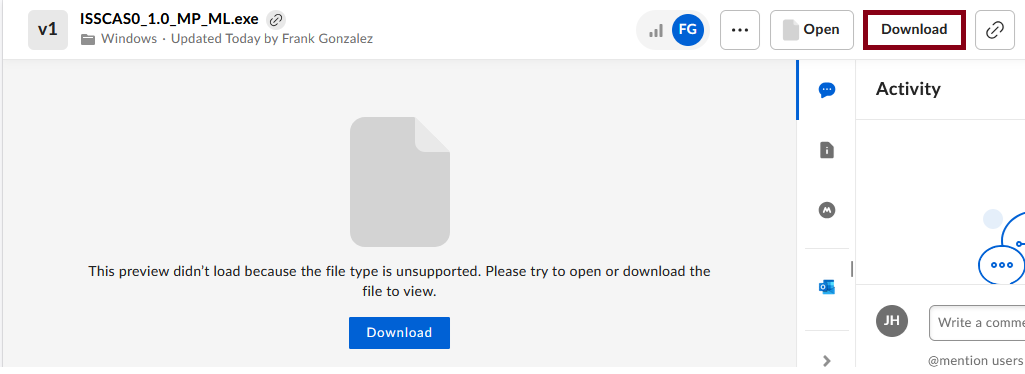
3. Open the downloaded .exe file to install SPSS.
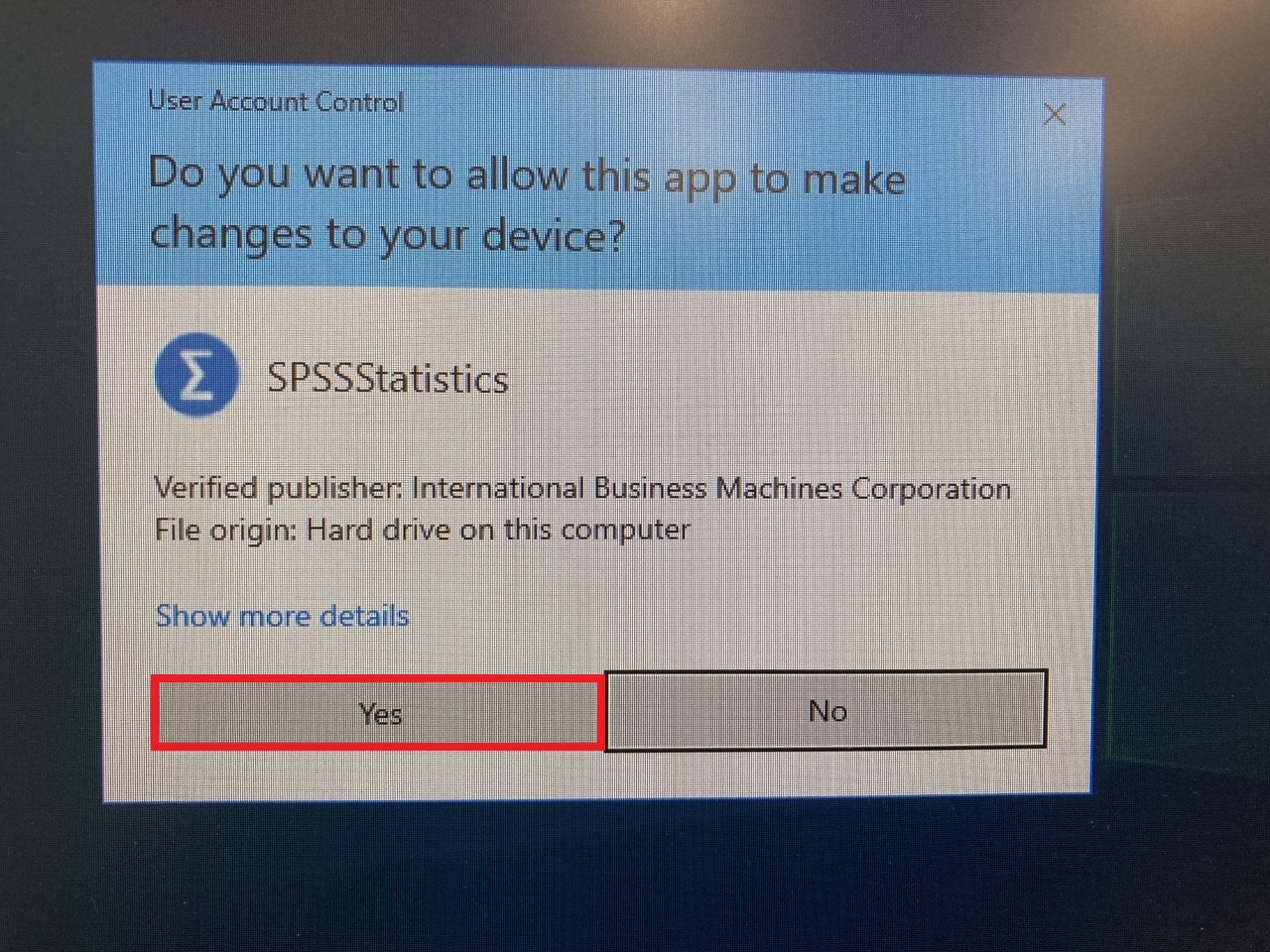
4. Click Yes to User Account Control.
5. Click Next.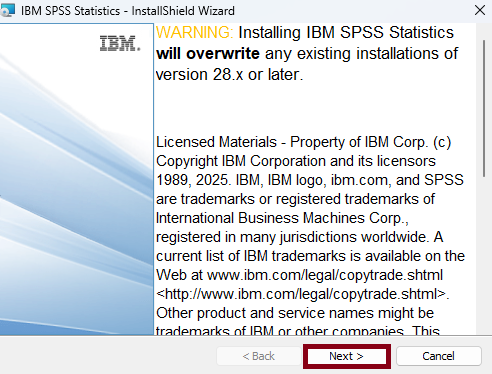
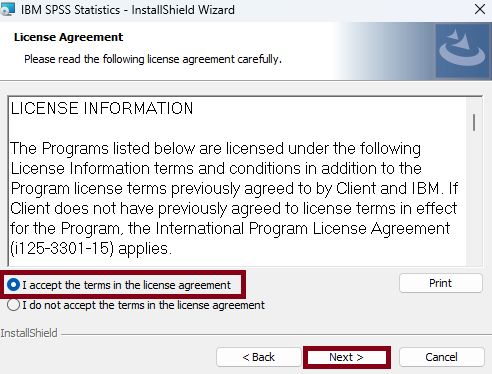
6. Click the radio button next to 'I accept the terms in the license agreement', then click Next.
7. Click Next.
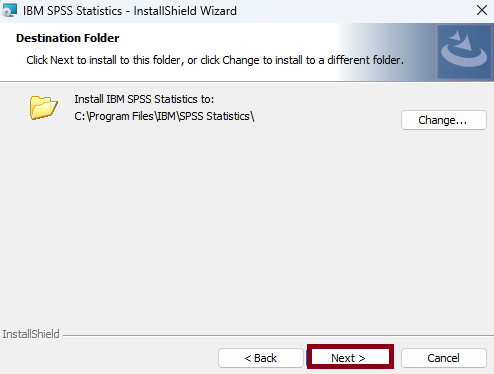
8. Click Install.
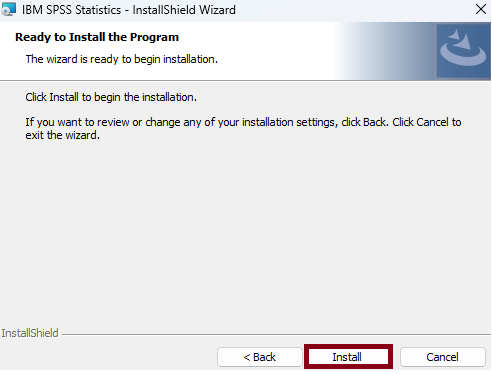
9. Click Finish.
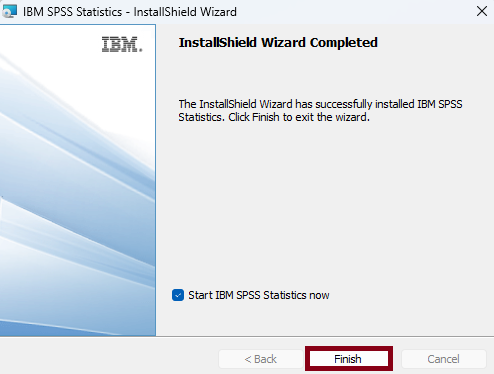
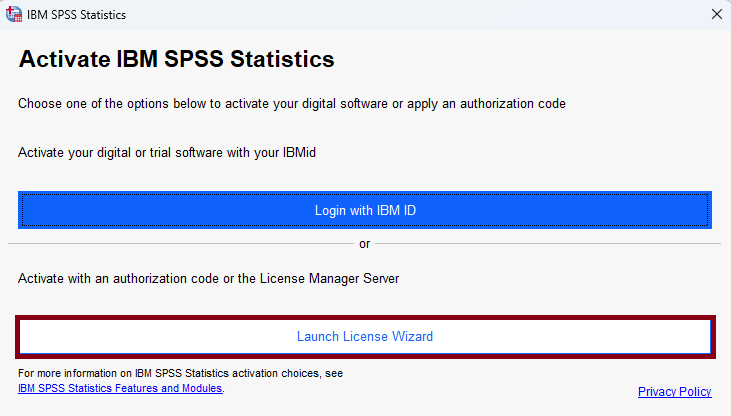
10. Select Launch License Wizard.
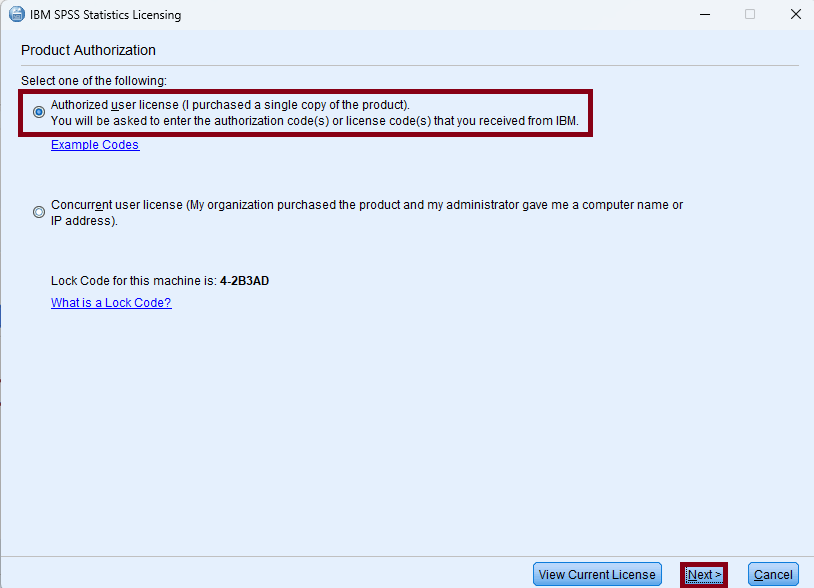
11. Select 'Authorized user license', then click Next.
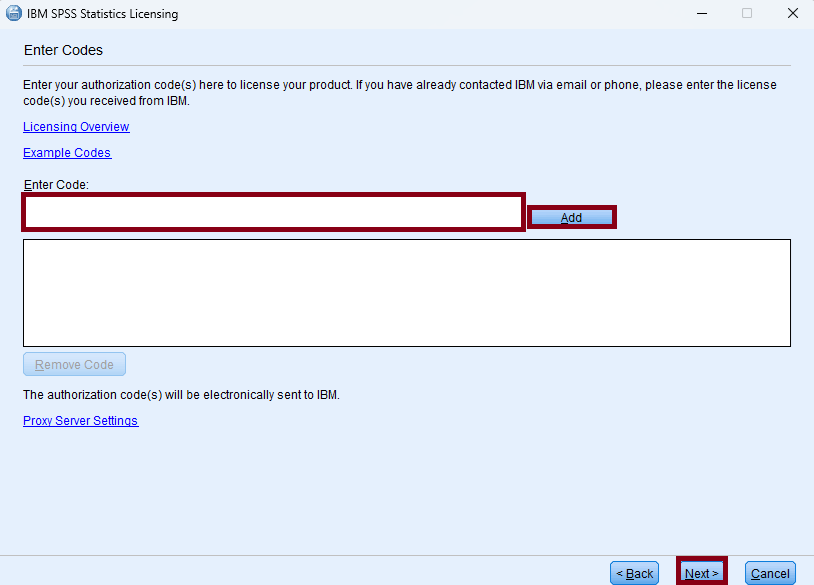
12. Type or paste the SPSS authorization code sent to you via email. Click Add, then click Next.
12. Click Next.
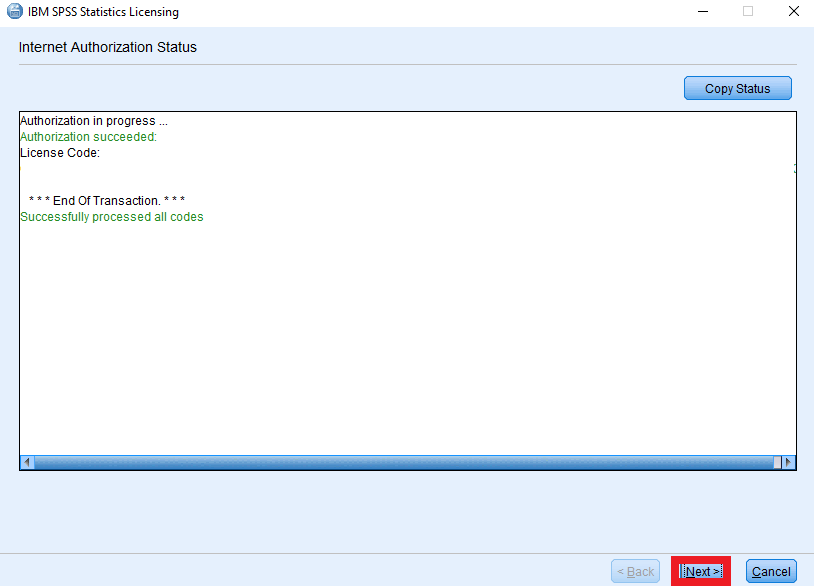
13. Click Finish.