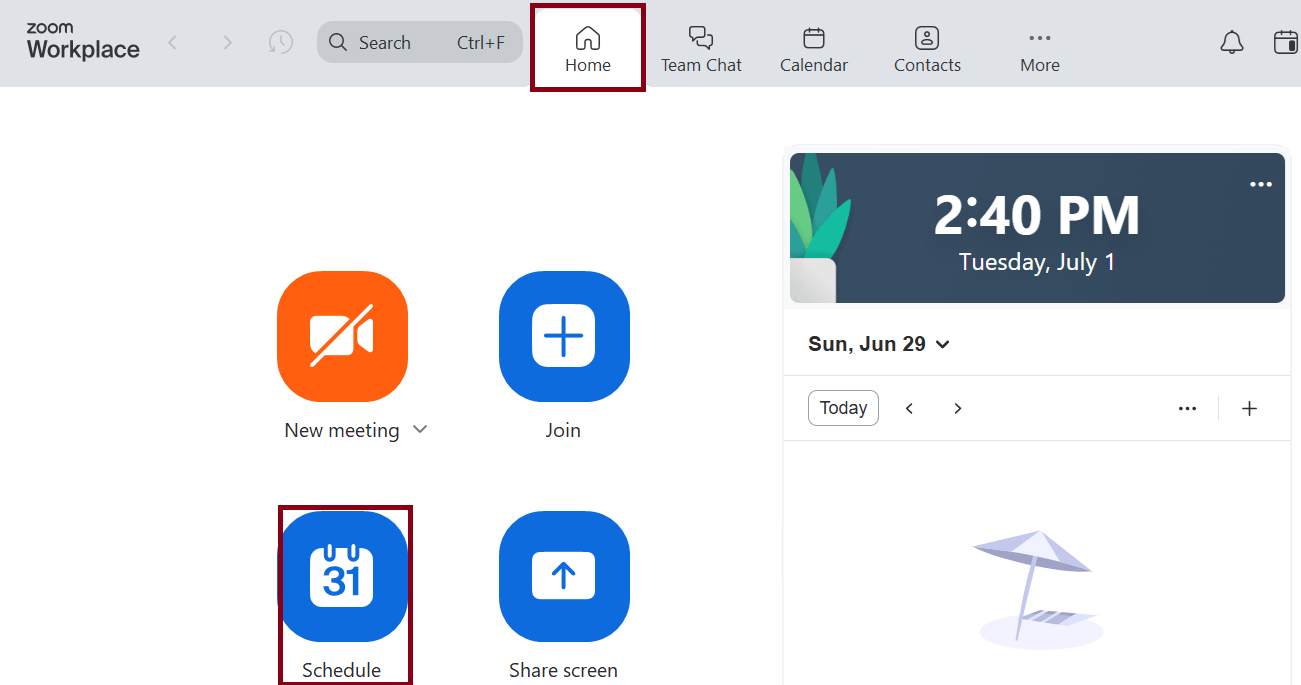
- Open the Zoom Workplace Desktop App (note the Calendar tab on the Menu bar if you have the Zoom Calendar Integration Service enabled).

- On the Home tab, click Schedule.
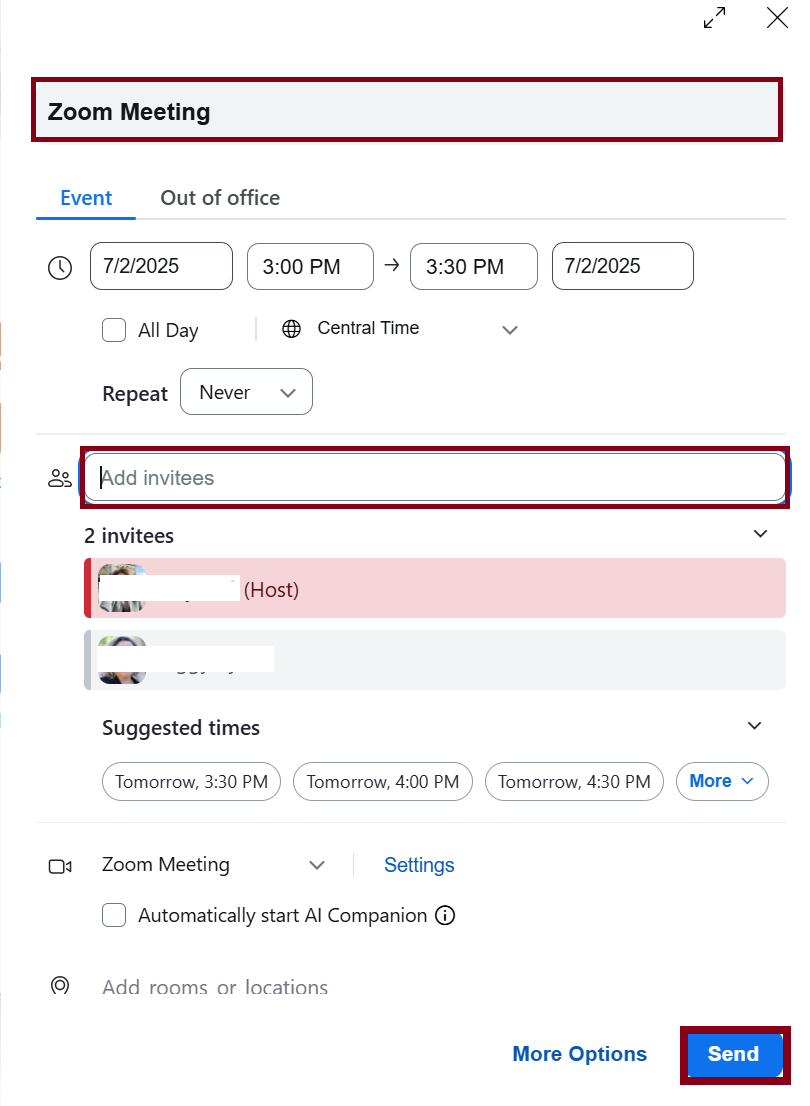
- Enter a description for your Zoom meeting. Select the appropriate date/time. Add invitees and click Send. A meeting invite with Zoom link will be sent to the invitees.
Overview
Content Tools