You must be on campus to complete these steps.
- Type \\jgsps2 in the search bar and press Enter.

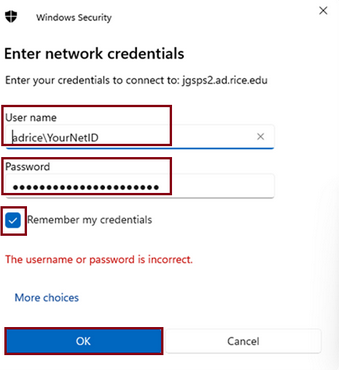
- Enter "adrice\NetID" in the username field (replacing "NetID" with your personally assigned Rice username) and enter your Rice password in the password field. Place a check in the box marked Remember My Credentials, then click OK.
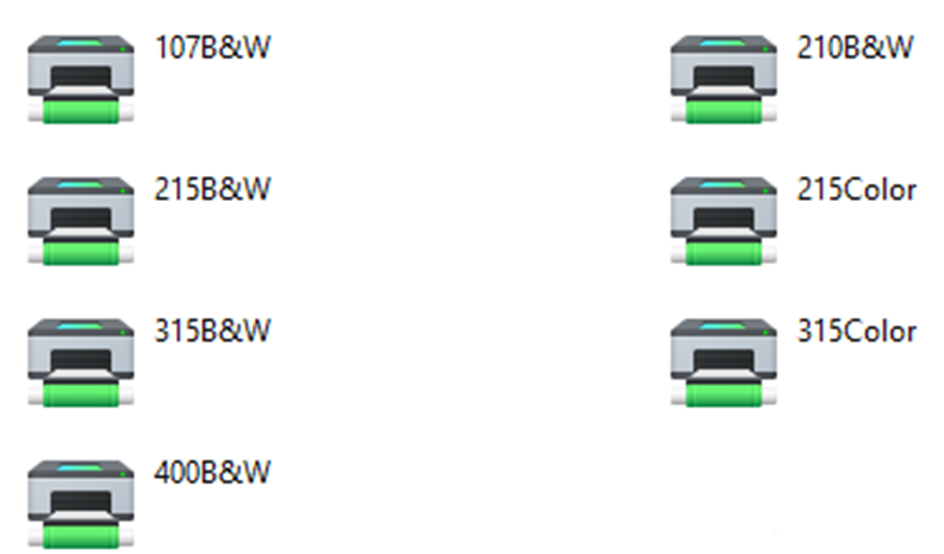
- Double-click the printer to install the printer one at a time.
- When finished, close all of the printer status boxes that have popped open.