- Click here to download the printer script to install the printers automatically.
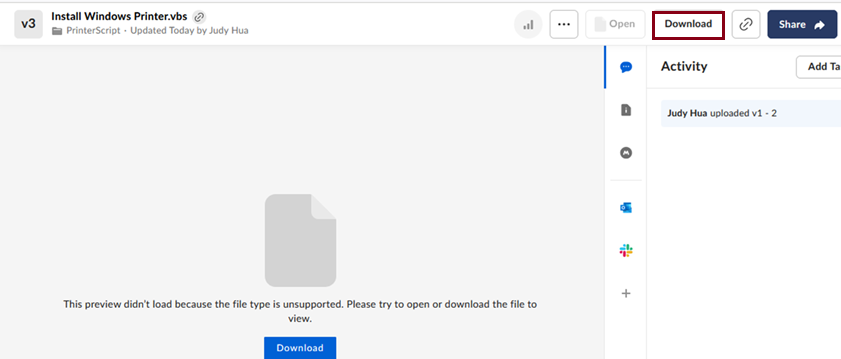
- Click Download.
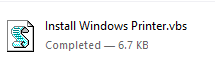
- Double-click to open the file.
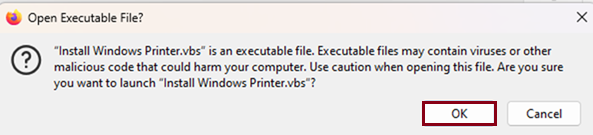
- Click OK.
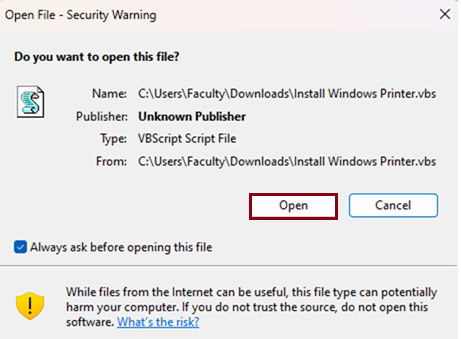
- Click OK.
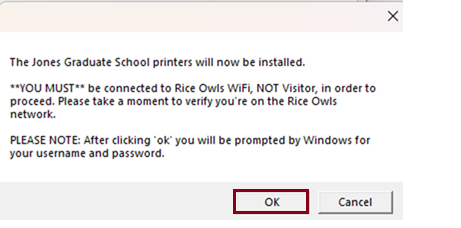
- Check to make sure you are connecting to the Rice Owls WiFi (Not Rice Visitor), then click OK.
- Enter adrice\YourNetID in the username field, and netid Password in the Password field. Make sure to check the box next to "Remember my credentials."
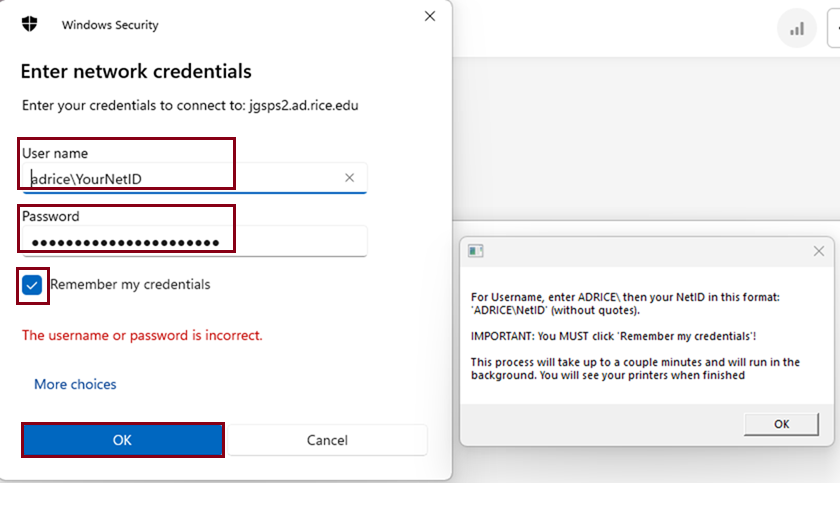
- Click OK.
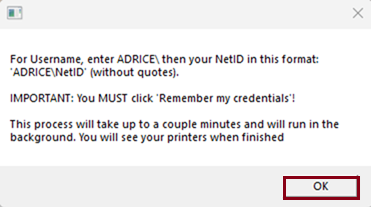
- The printers will take a couple of minutes to install. You will see your printers when finished.
Overview
Content Tools