- From a web browser, navigate to https://whooru.rice.edu/
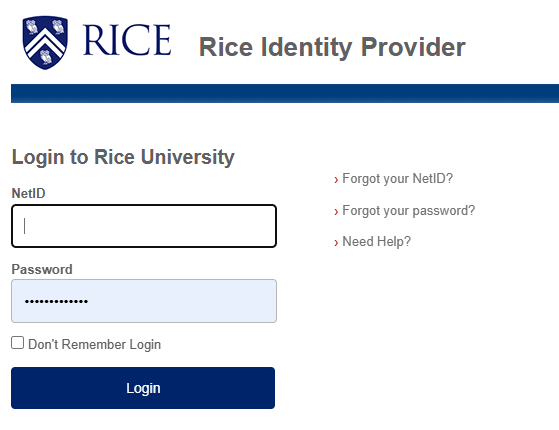
- Enter your NetID and NetID password, then click Login.
- Authenticate to DUO when prompted.
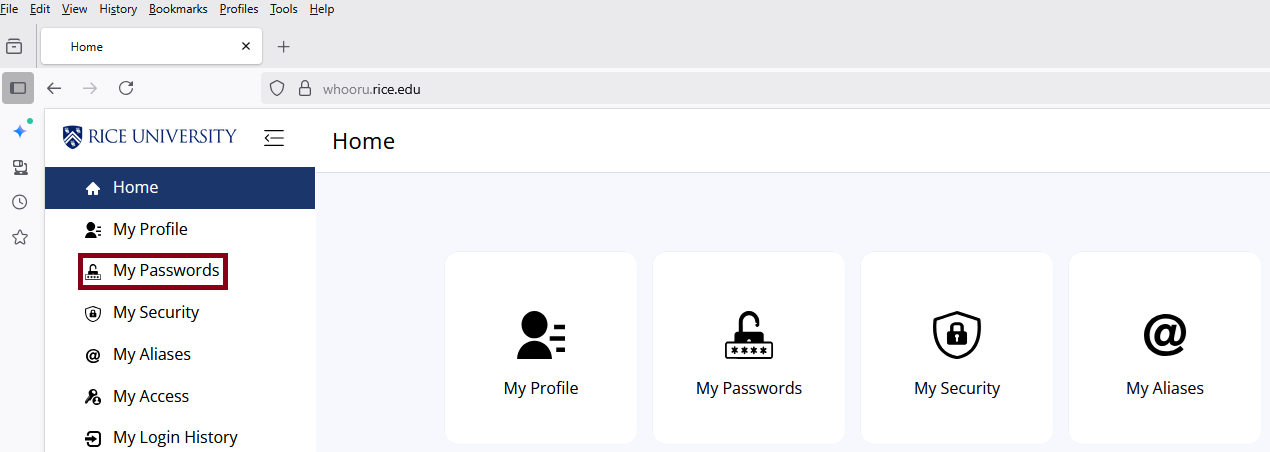
- Click My Passwords.
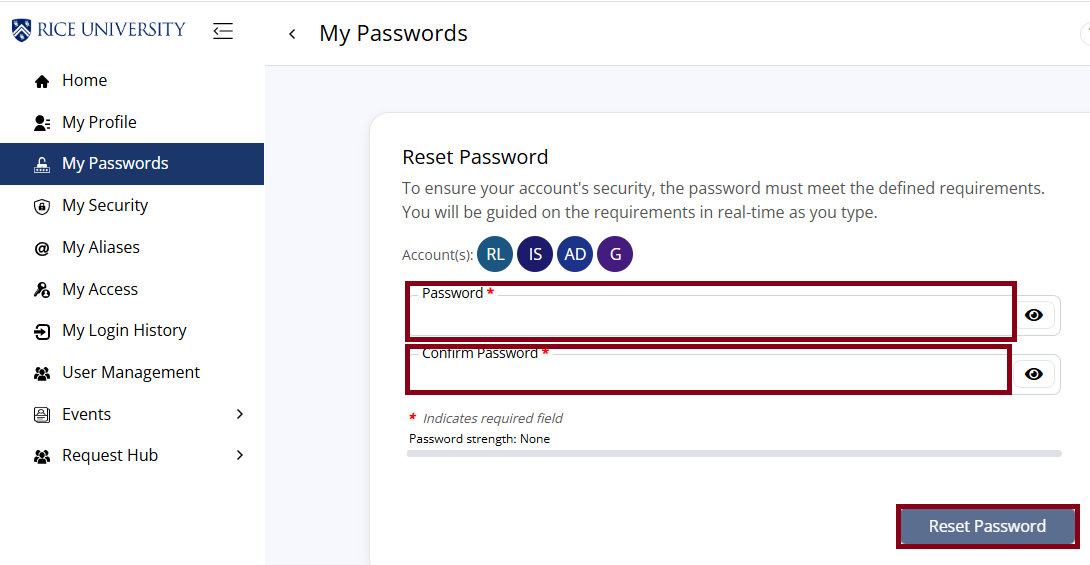
- Enter your new password in both fields, then click Reset Password. Note: Please allow 15-30 minutes for the new password to take effect before signing into Exchange or any Rice services.
Overview
Content Tools