Step 1 - From a web browser, navigate to http://portal.office.com/
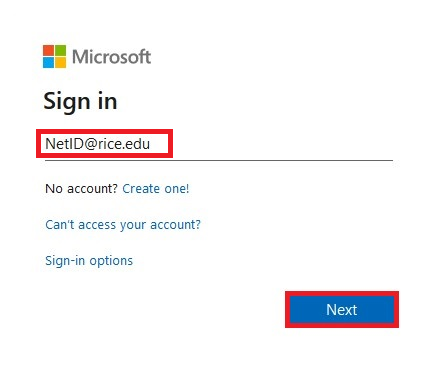
Step 2 - Enter your NetID@rice.edu email address, then select Next.
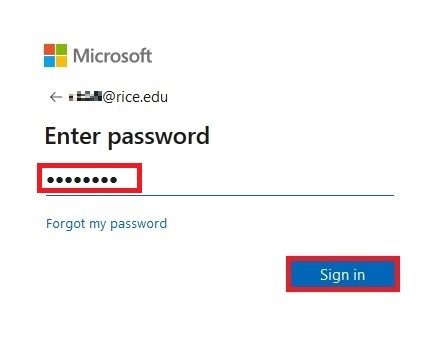
Step 3 - Enter your NetID password, then select Sign In.
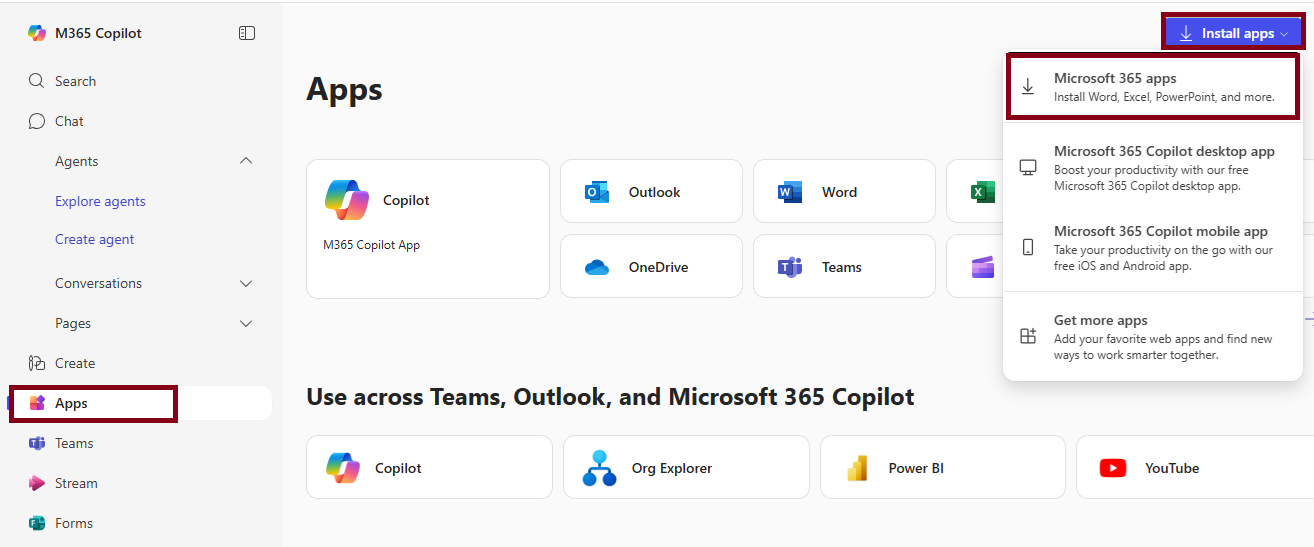
Step 4 - Click on Apps on the navigation pane. select the drop-down menu in the upper-right corner labeled Install apps and choose Microsoft 365 apps.