- Open the Zoom Workplace Desktop App.
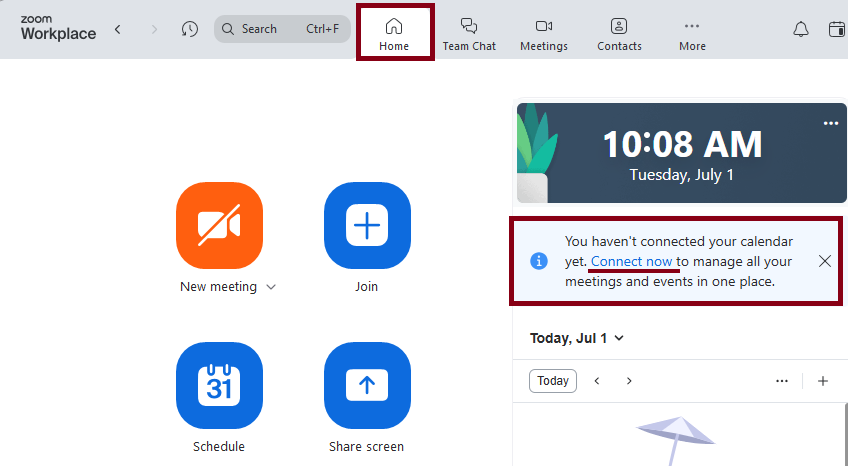
- On the Home tab, click Connect Now.
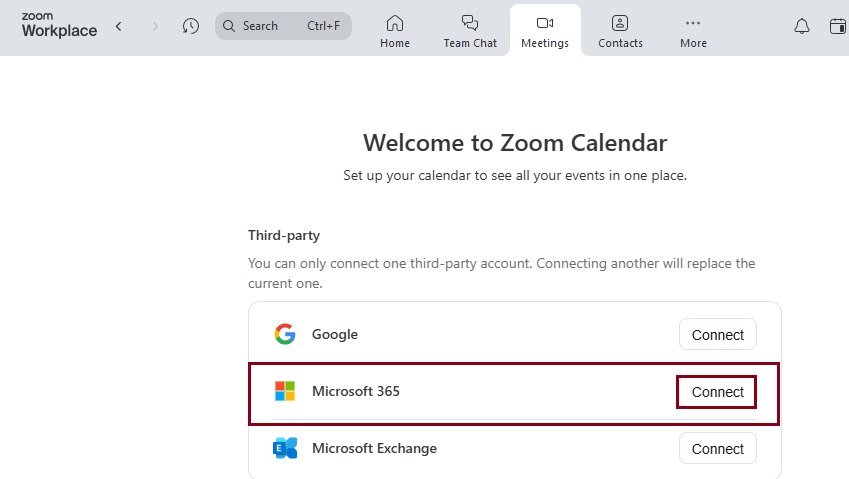
- Click Connect next to Microsoft 365.
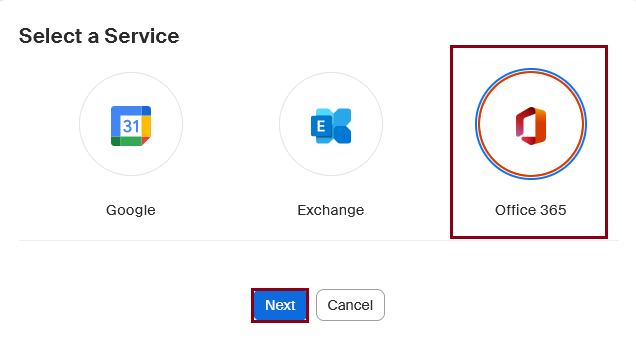
- Click Next.
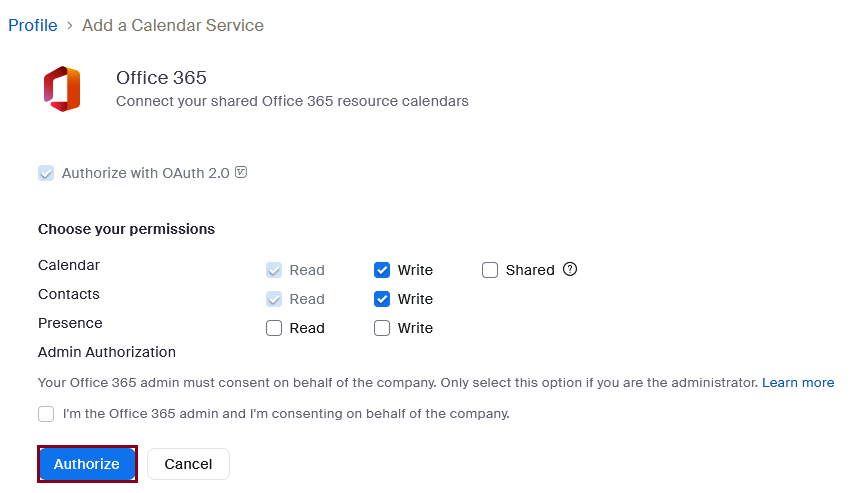
- Click Authorize.
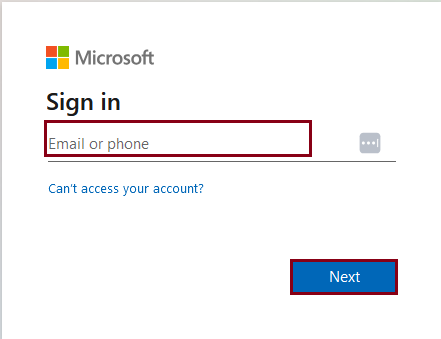
- Enter your netid@rice.edu email address, then click Next.
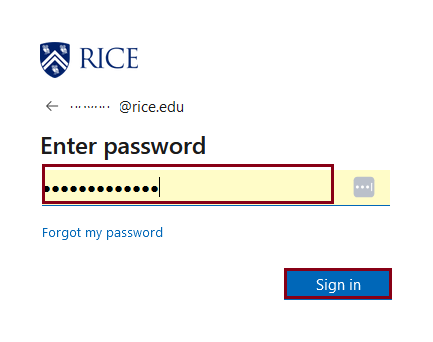
- Enter your netid password, then click Sign in.
- You will be prompted for DUO authentication.
Overview
Content Tools