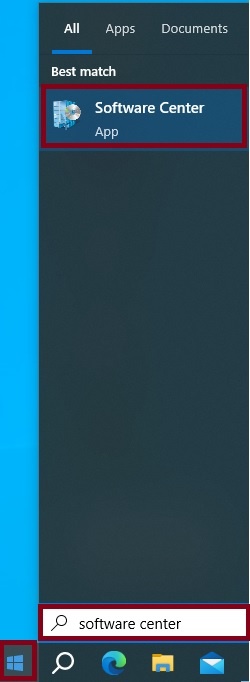
- Launch Software Center by clicking on the Start Menu, enter Software Center in the Search bar, and select Software Center.
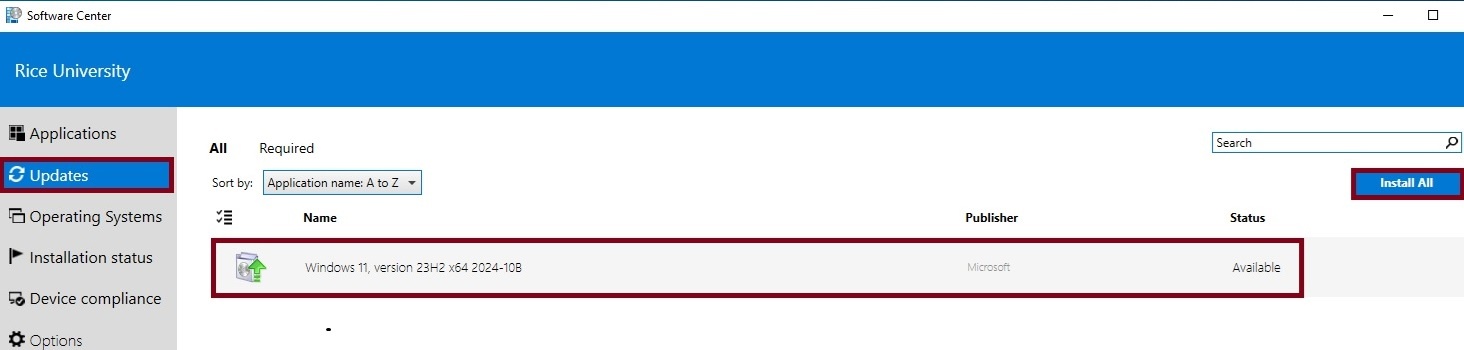
- Go to the Updates Menu and click Install All.
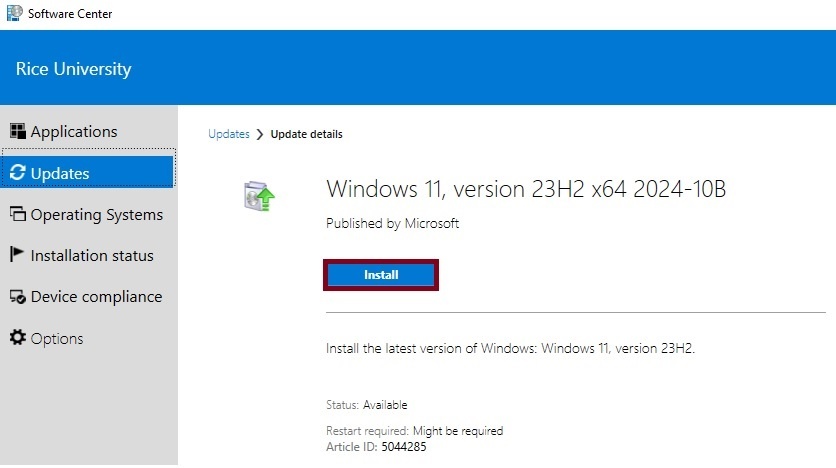
- Click Install.
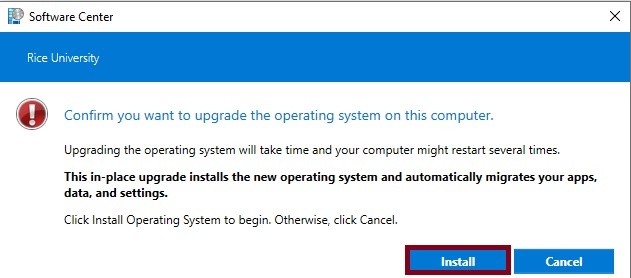
- Click Install again to confirm you want to upgrade the operating system to Windows 11.
- The upgrade of the operating system will take some time. You can continue to use your machine while the upgrade in progress. You will be prompted to restart the machine to complete the upgrade.
Overview
Content Tools