Adding a second device to your Duo Authentication is helpful in the event that your primary device is not available.
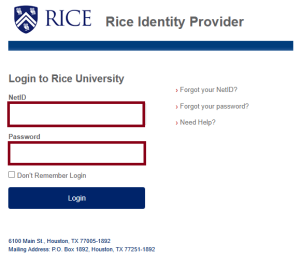
- Log in to https://whooru.rice.edu
- Authenticate to DUO when prompted.
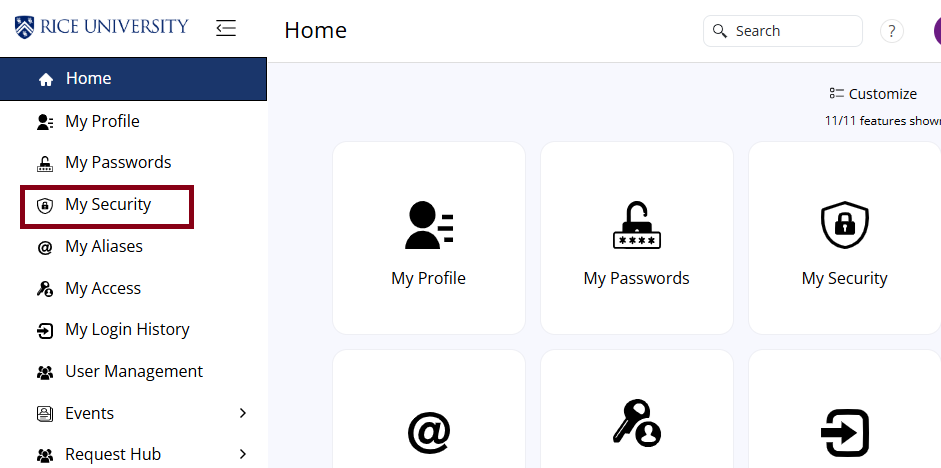
- Click on My Security.
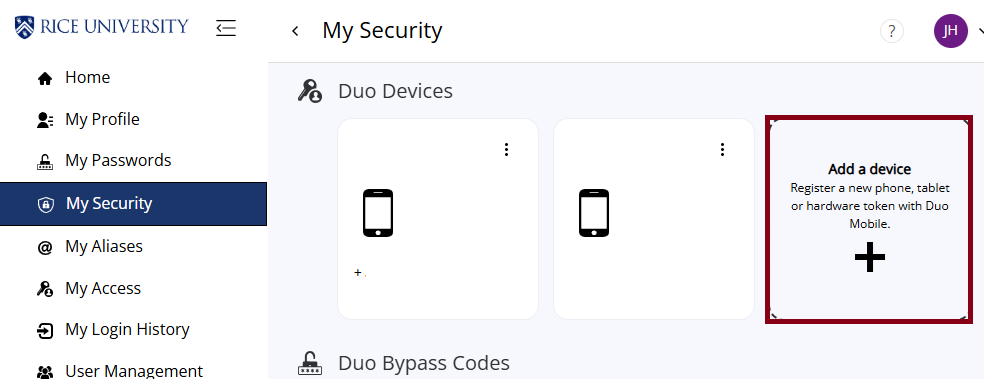
- Click on Add a device.
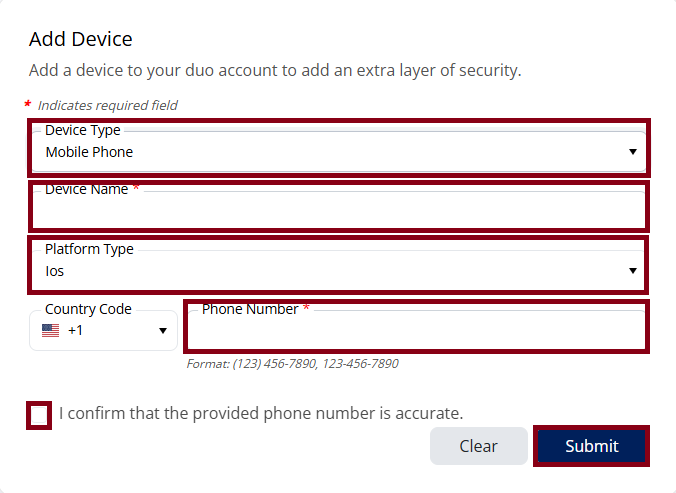
- Select the Device Type.
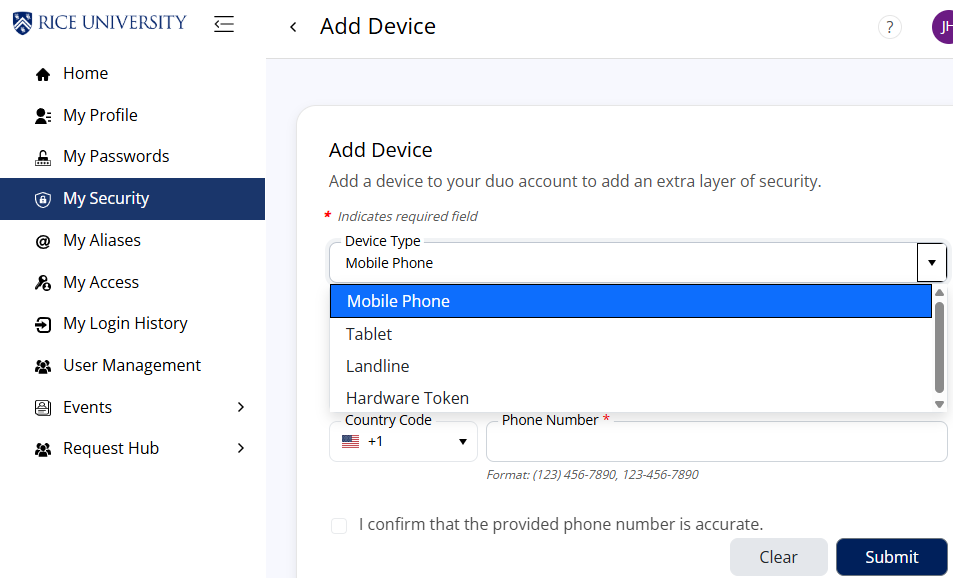
- Fill in the required information and click Submit.