You are viewing an old version of this page. View the current version.

Compare with Current View Page History

« Previous Version 4 Current »
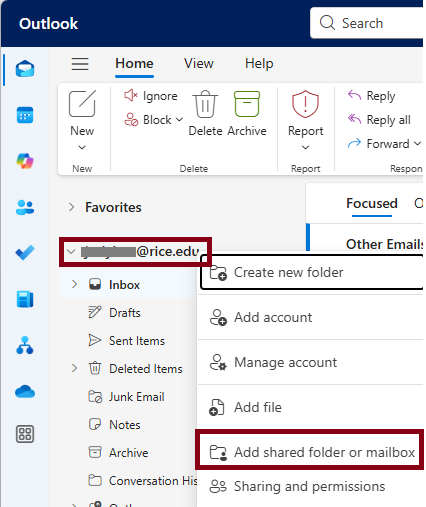
  1. Right-click on your account name and choose Add shared folder or mailbox.


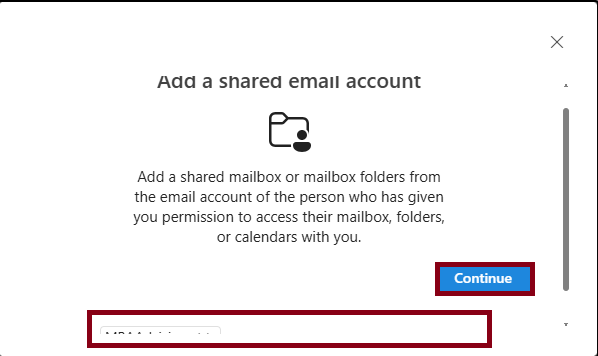
  2. Type the email address or name of the shared mailbox and click Continue.


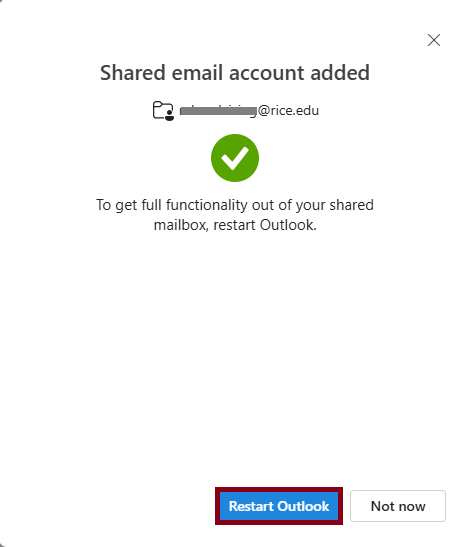
  3. Restart Outlook.


  • No labels