Open Outlook.
Go to the Home tab.
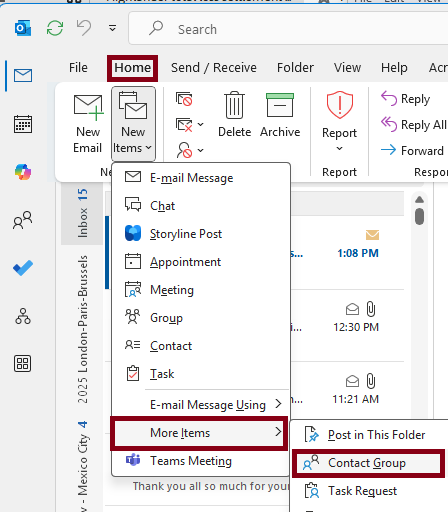
Click New Items → More Items → Contact Group.
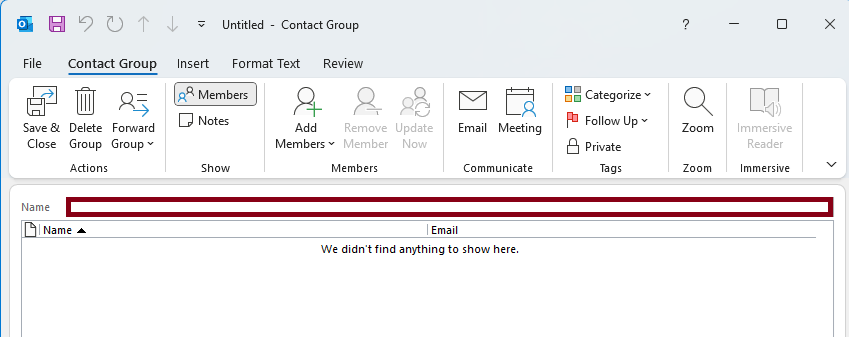
Give your group a name.
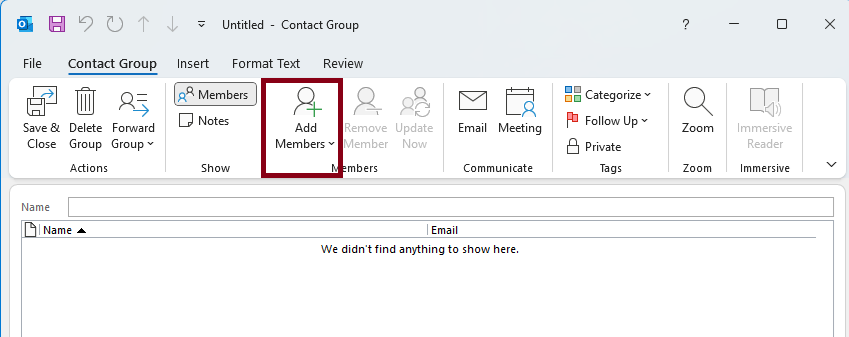
Hit Add Members:
From Outlook Contacts
From Address Book
Or create a new contact
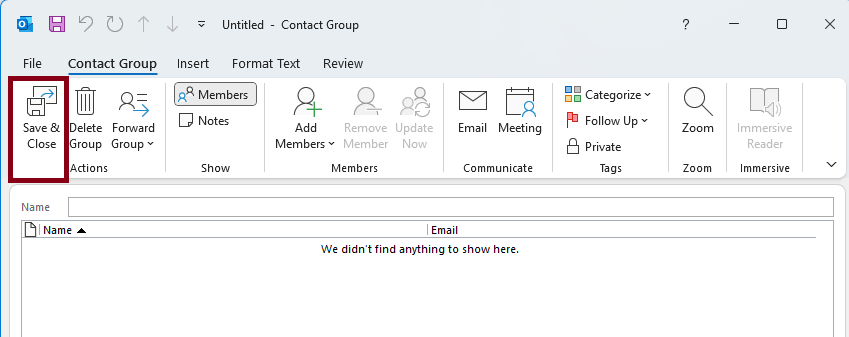
Click Save & Close.
- To share the Contact Group, go to People.

- Double-click your contact group to open it.
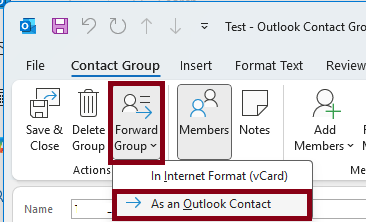
- In the ribbon, click Forward Contact → As an Outlook Contact.
Send the email.
Overview
Content Tools