Step 1 - Launch the app by selecting the Outlook icon.
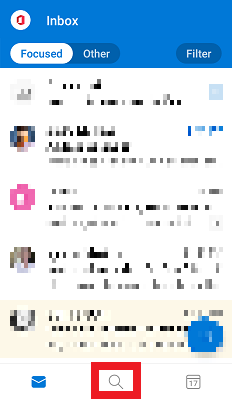
Step 2 - From the inbox, select the Search icon.
Step 3 - From the Search page, enter the name of a Contact to display contact information, recent emails and Calendar events.
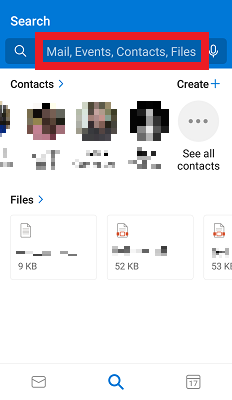
Step 4 - To view all contacts, select Contacts or swipe Left/Right.
