Step 1 - Launch the app by selecting the Outlook icon.

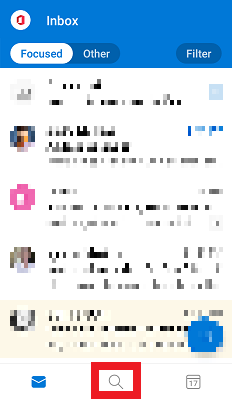
Step 2 - From the inbox, select the Search icon.
Step 3 - Select Contacts, or swipe Left/Right.

Step 1 - Launch the app by selecting the Outlook icon.
Step 2 - From the inbox, select the Search icon.
Step 3 - Select Contacts, or swipe Left/Right.