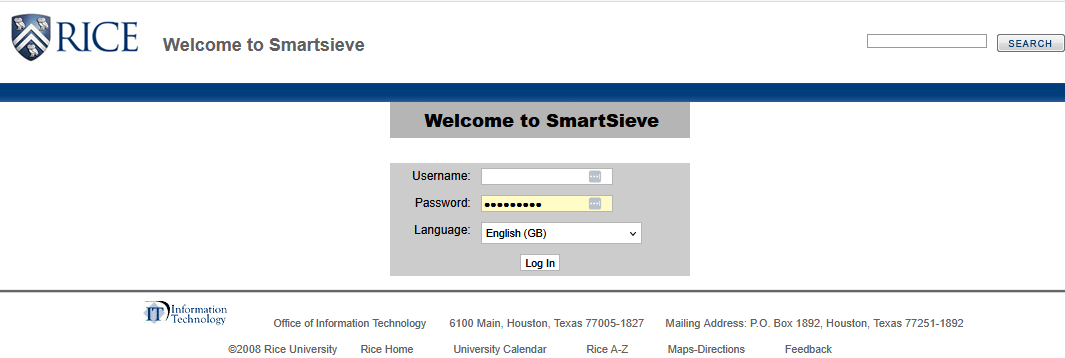
- Sign Log in to SmartSieve at https://www.ricemail.rice.edu/smartsieve/login.php
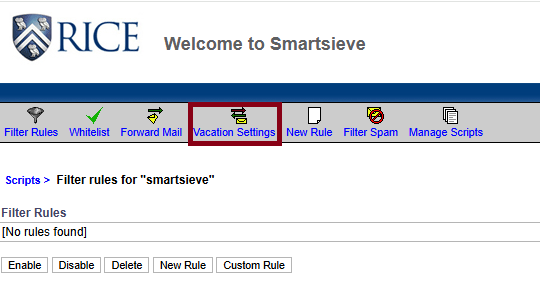
- Click on Vacation Settings.
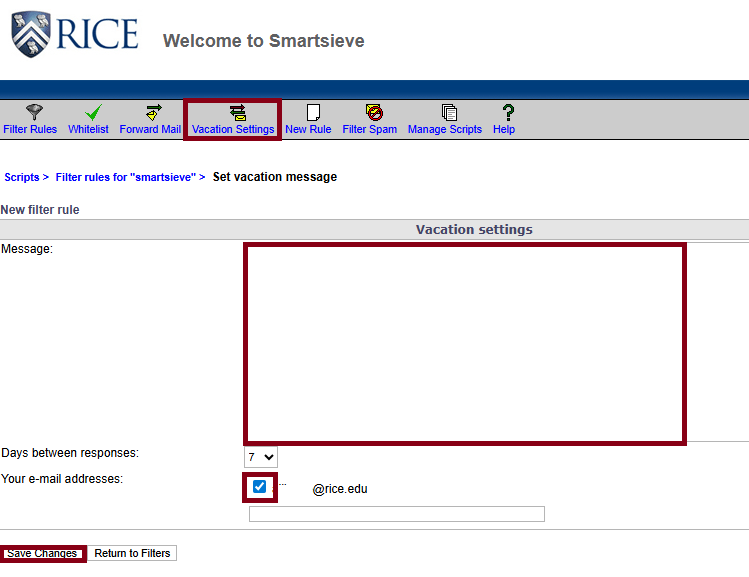
- Type your message in the Message box. Check the box next to the email address, then click Save Changes.
Page History
Overview
Content Tools