You are viewing an old version of this page. View the current version.

Compare with Current View Page History

Version 1 Current »
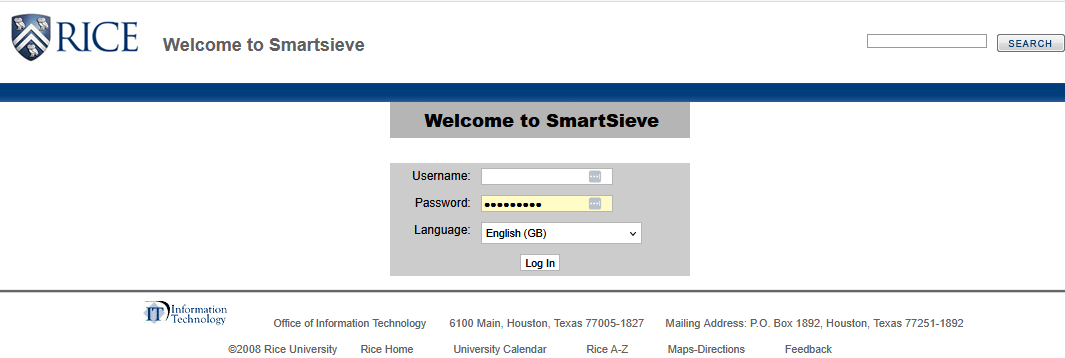
  1. Sign in to https://www.ricemail.rice.edu/smartsieve

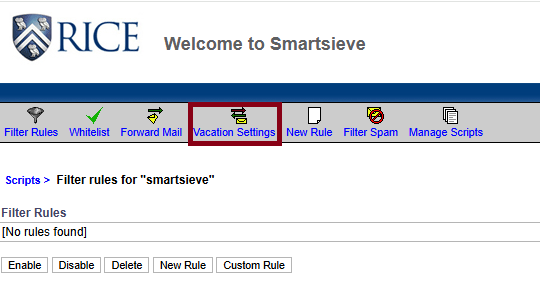
  2. Click on Vacation Settings.

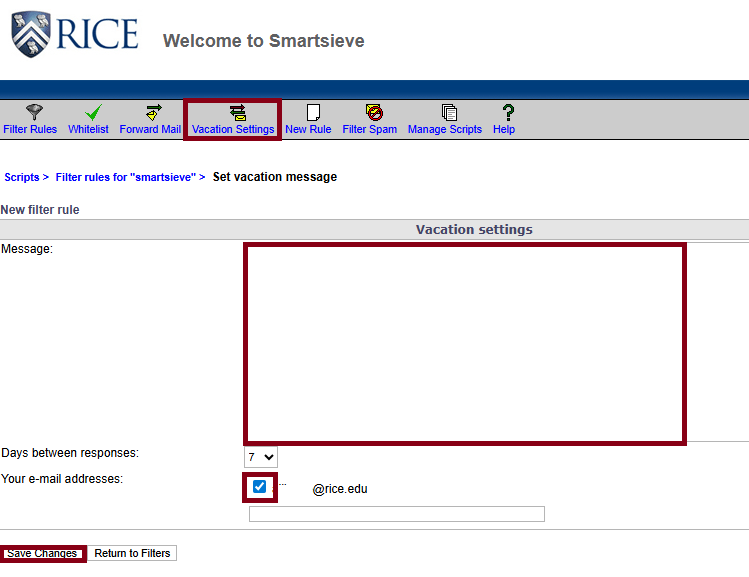
  3. Type your message in the Message box.  Check the box next to the email address, then click Save Changes.

  • No labels